









Ultimate Windows Toolkit (450+ PC Optimization, Privacy, & Customization Utilities)
Category: Bundles
$5.25
Take full control of your PC with the Ultimate Windows Toolkit, a massive curated collection of 450+ powerful utilities designed to optimize performance, protect your privacy, customize every visual element, and tweak Windows to work exactly how you want it.
- Digital Download
- Lifetime Warranty
- Secure Payments
- 30-Day Money-Back Guarantee
Take full control of your PC with the Ultimate Windows Toolkit, a massive curated collection of 450+ powerful utilities designed to optimize performance, protect your privacy, customize every visual element, and tweak Windows to work exactly how you want it.
Performance & System Optimization
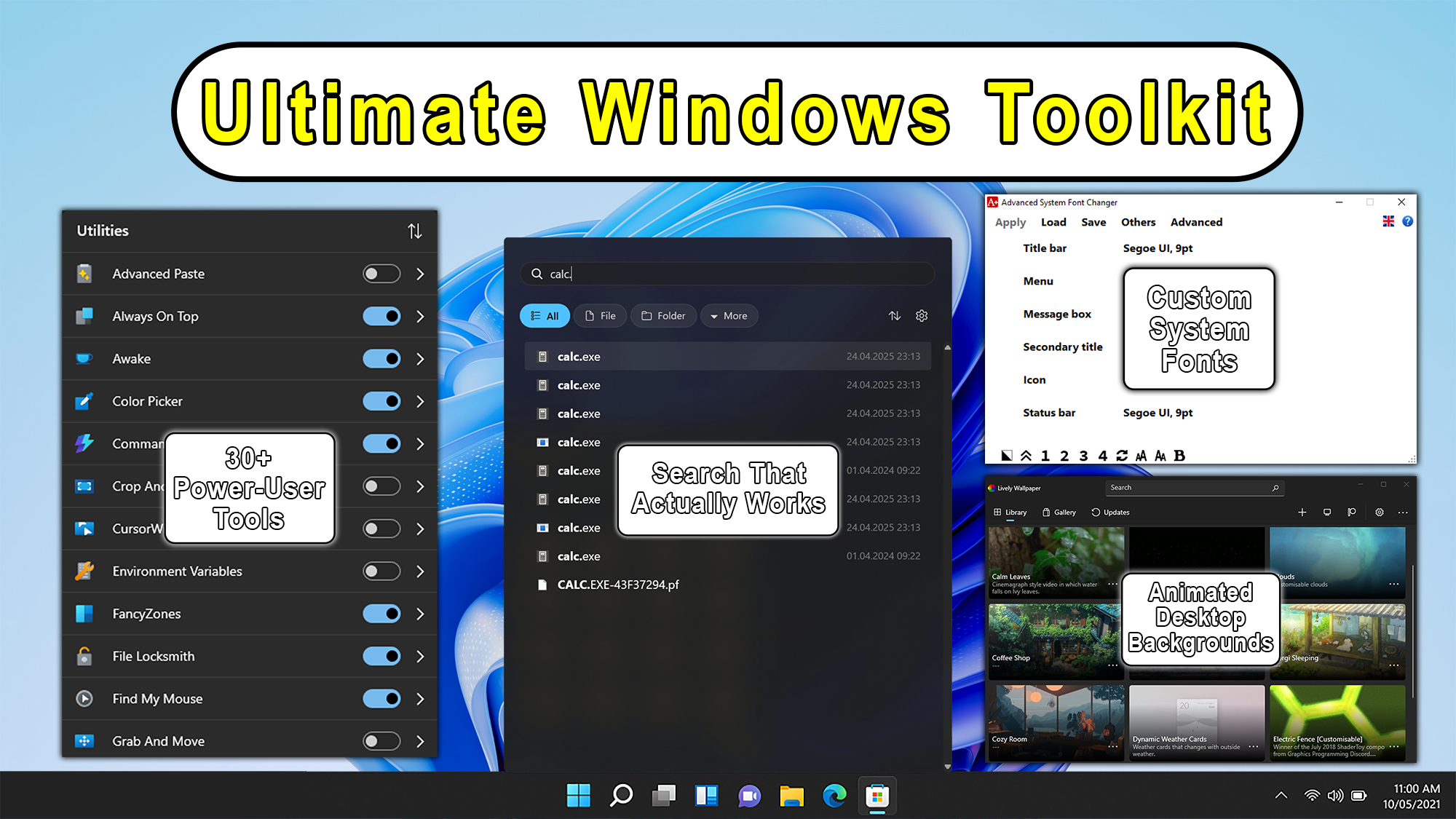
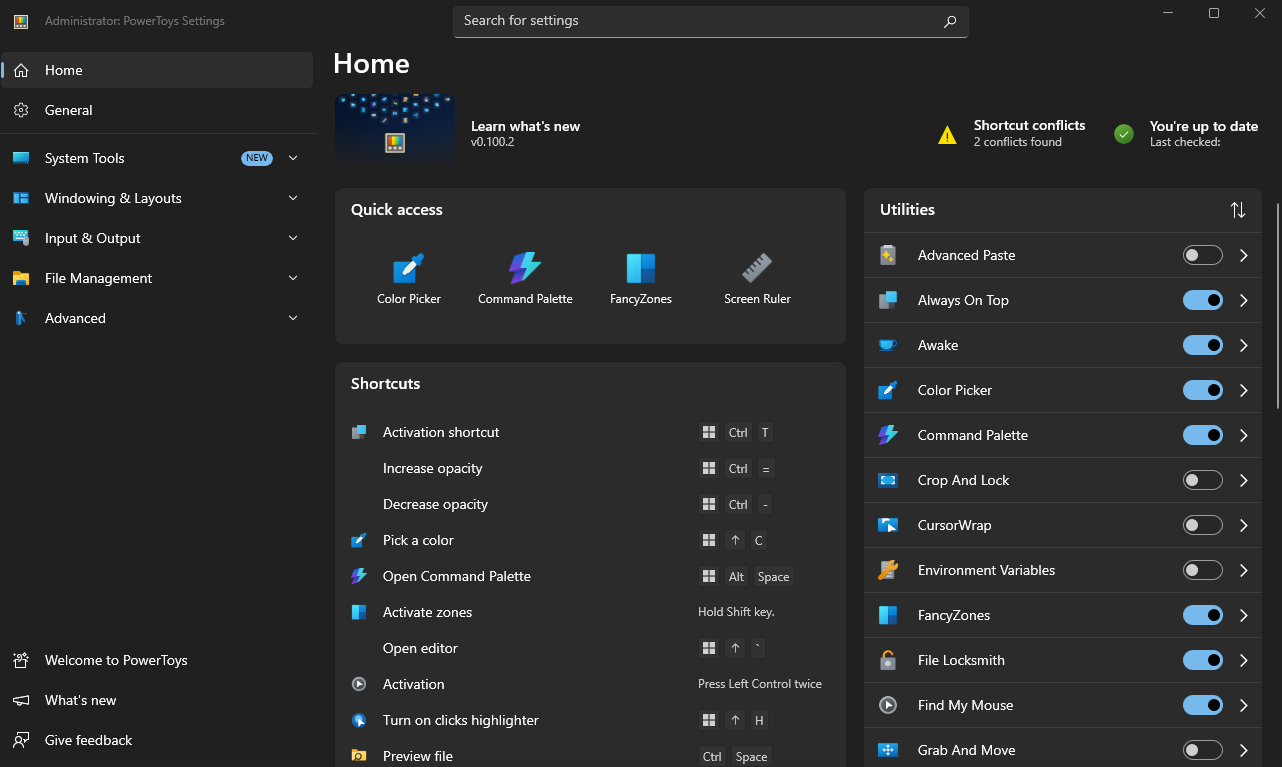
- Microsoft PowerToys: Over 30 utilities to customize and optimize your Windows experience, including:
- Advanced Paste: Paste with advanced options like plain text, markdown, or JSON
- Always on Top: Pin any window to stay on top of others
- Awake: Keep your PC awake without managing power settings
- Color Picker: Identify and copy colors from anywhere on screen
- FancyZones: Snap windows into custom layout zones
- File Locksmith: Identify processes locking a file
- Image Resizer: Bulk resize images from the right-click menu
- Keyboard Manager: Remap keys and create custom shortcuts
- Mouse Without Borders: Control multiple computers with one mouse and keyboard
- Peek: Preview file contents without opening them
- PowerRename: Bulk rename files with regex search and replace
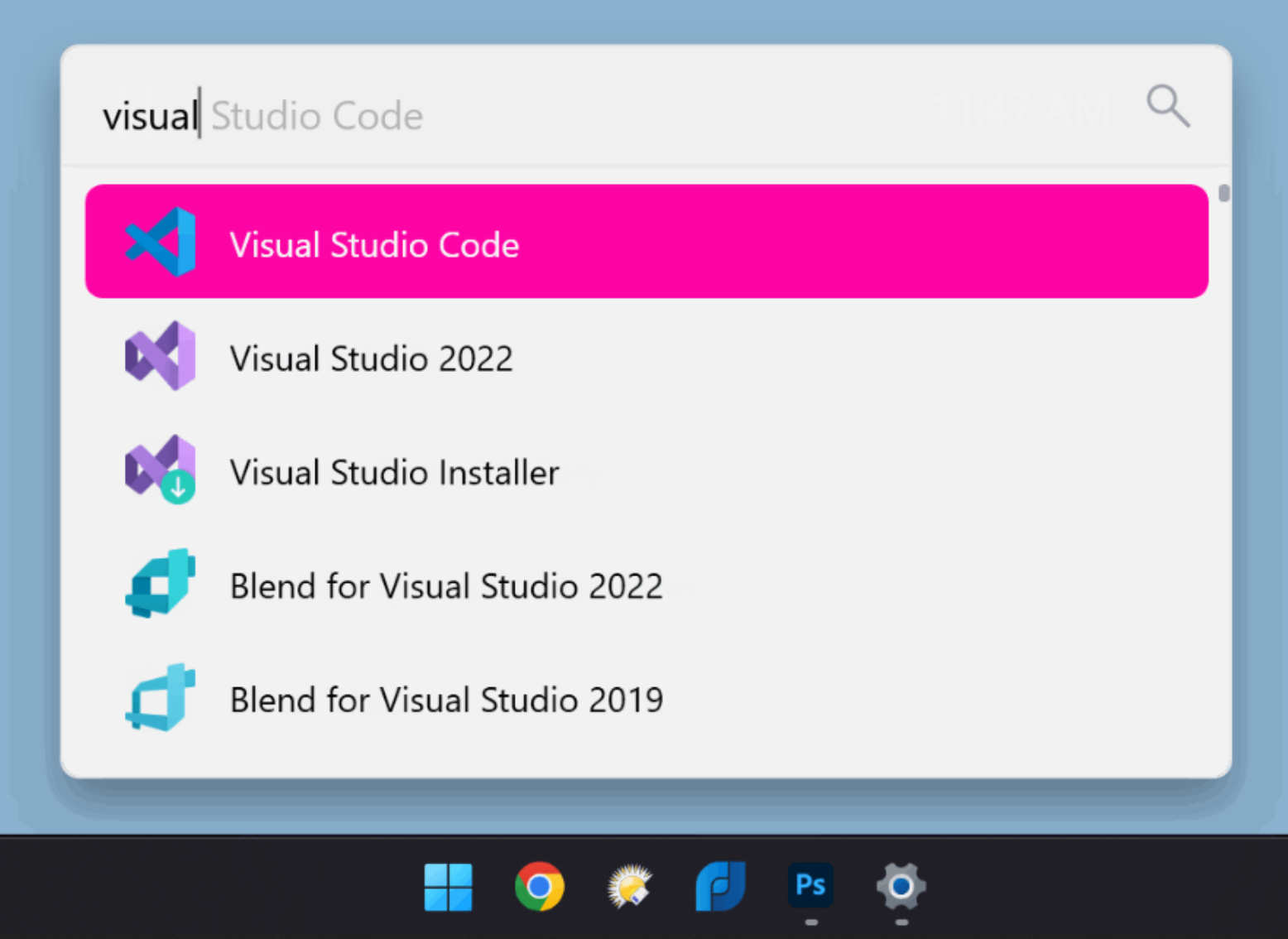
- PowerToys Run: Quick app launcher for apps, files, and commands
- Text Extractor: OCR tool to copy text from anywhere on screen
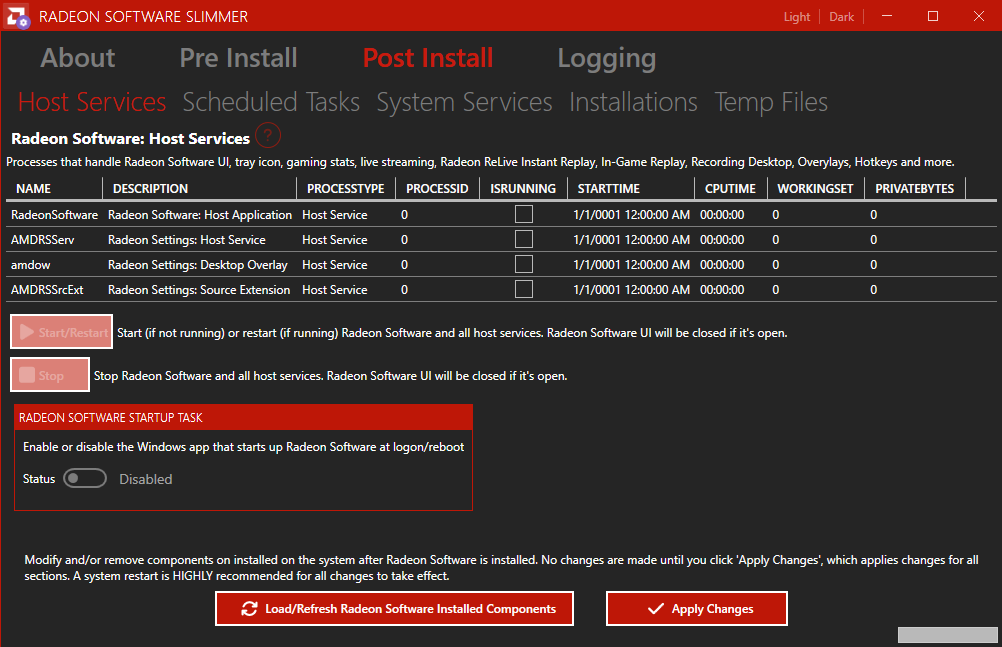
- AMD Radeon Software Slimmer: Trim down bloat from Radeon Software for AMD GPUs.
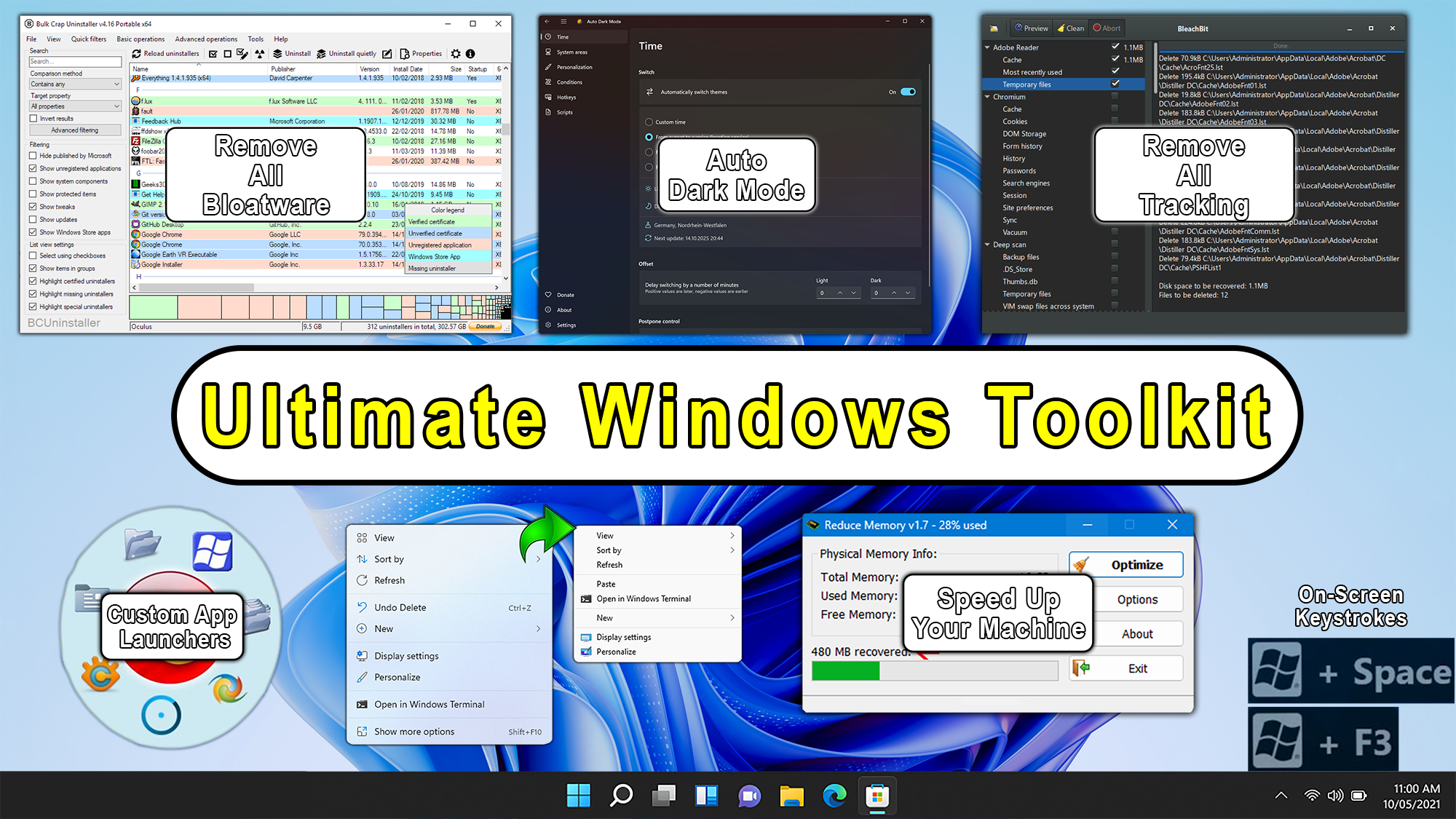
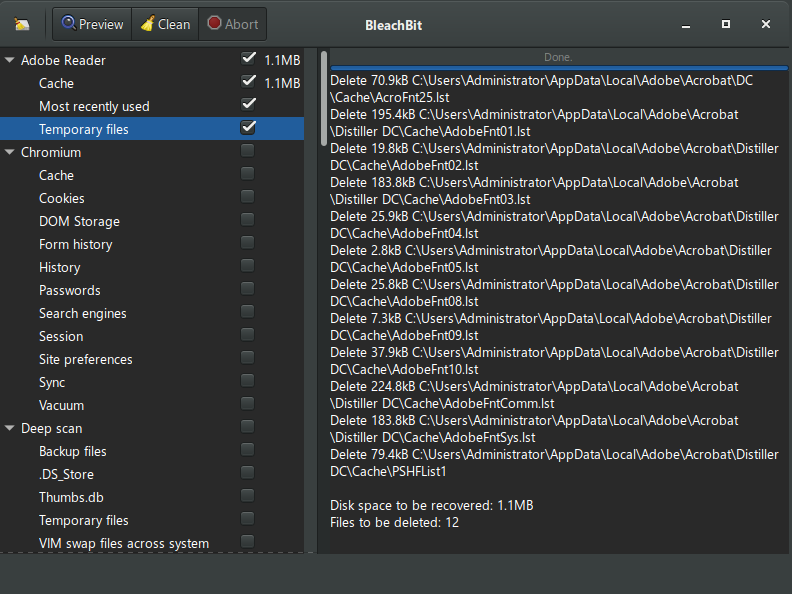
- BleachBit: Disk space cleaner, privacy manager, and system optimizer.
- CPU-Z: Identifies your processor, motherboard, and memory details.
- CrystalDiskInfo: Monitor hard drive and SSD health, temperature, and S.M.A.R.T. status.
- CrystalDiskMark: Benchmark storage devices to measure read and write speeds.
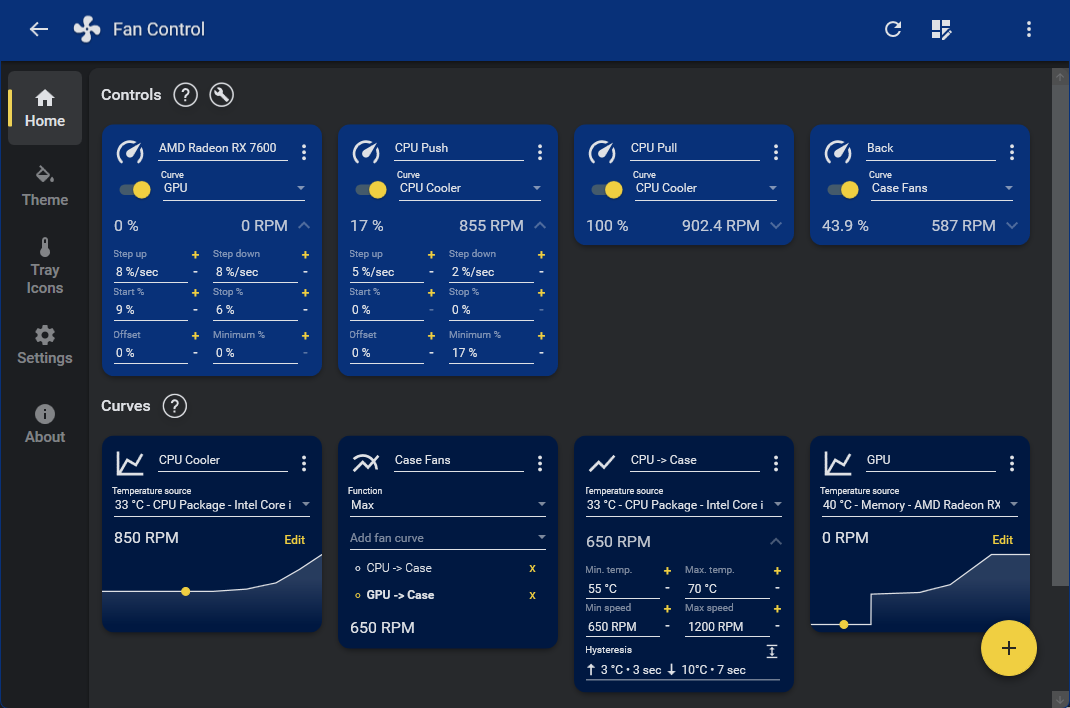
- FanControl: Highly customizable fan controlling software for Windows.
- GeekUninstaller: Fast and lightweight program uninstaller with deep cleanup.
- GPU-Z: Lightweight graphics card information and monitoring utility.
- HWiNFO: Comprehensive hardware analysis, monitoring, and reporting tool.
- HWMonitor: Reads PC system sensors for voltages, temperatures, and fan speeds.
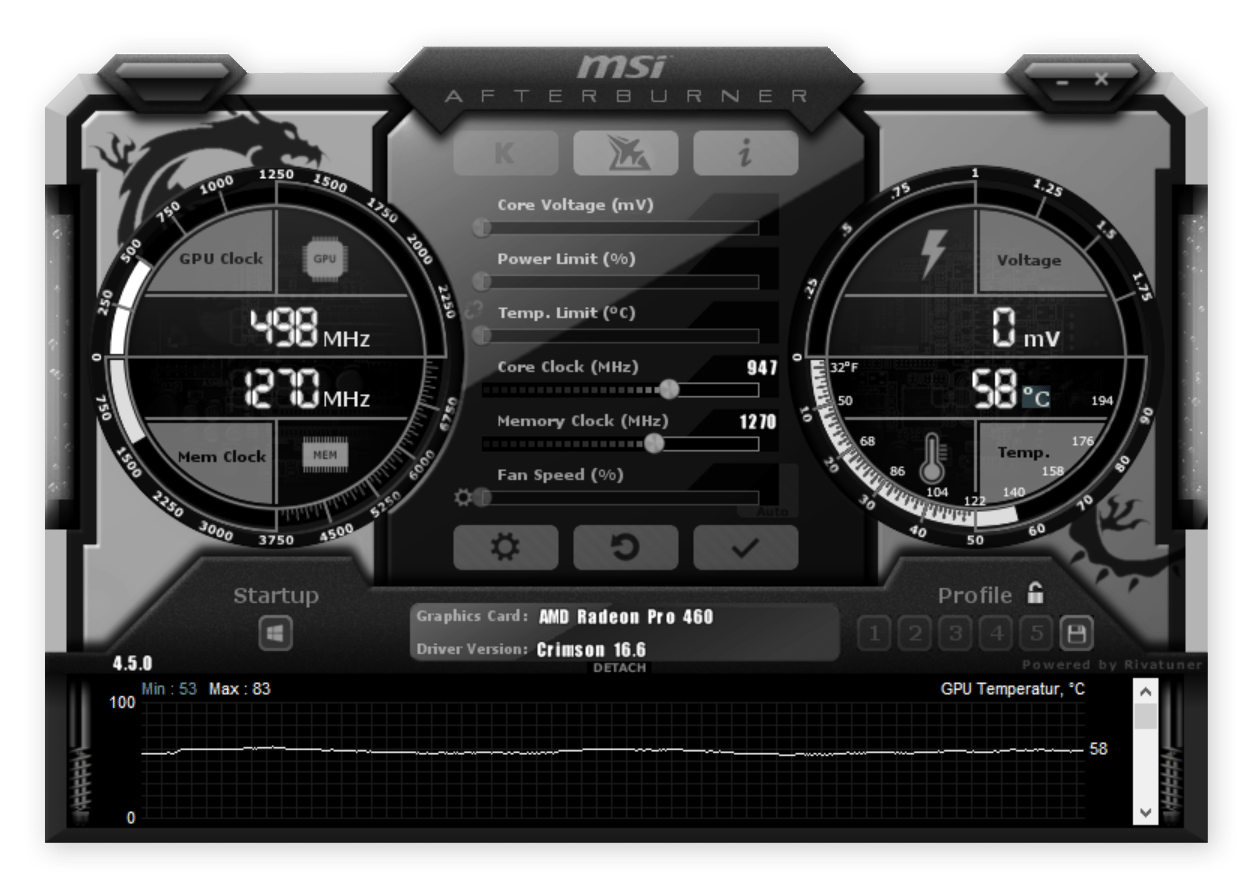
- MSI Afterburner: Overclocking and monitoring utility for graphics cards.
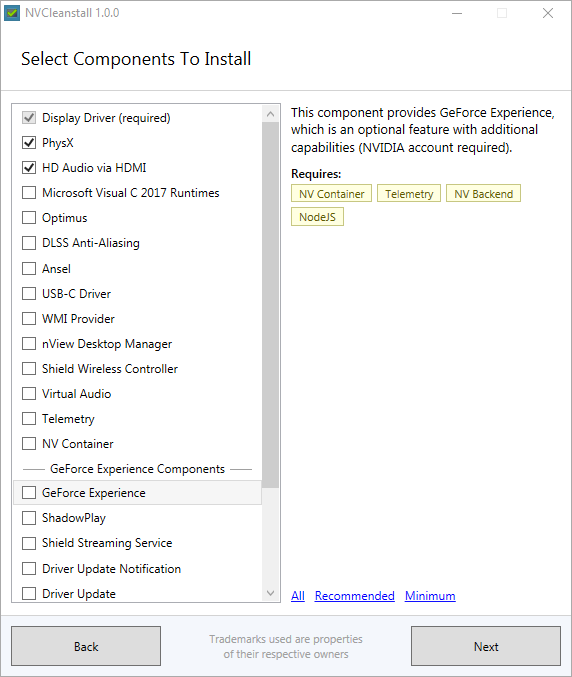
- NVCleanstall: Customize NVIDIA GeForce Driver packages by removing components you do not need.
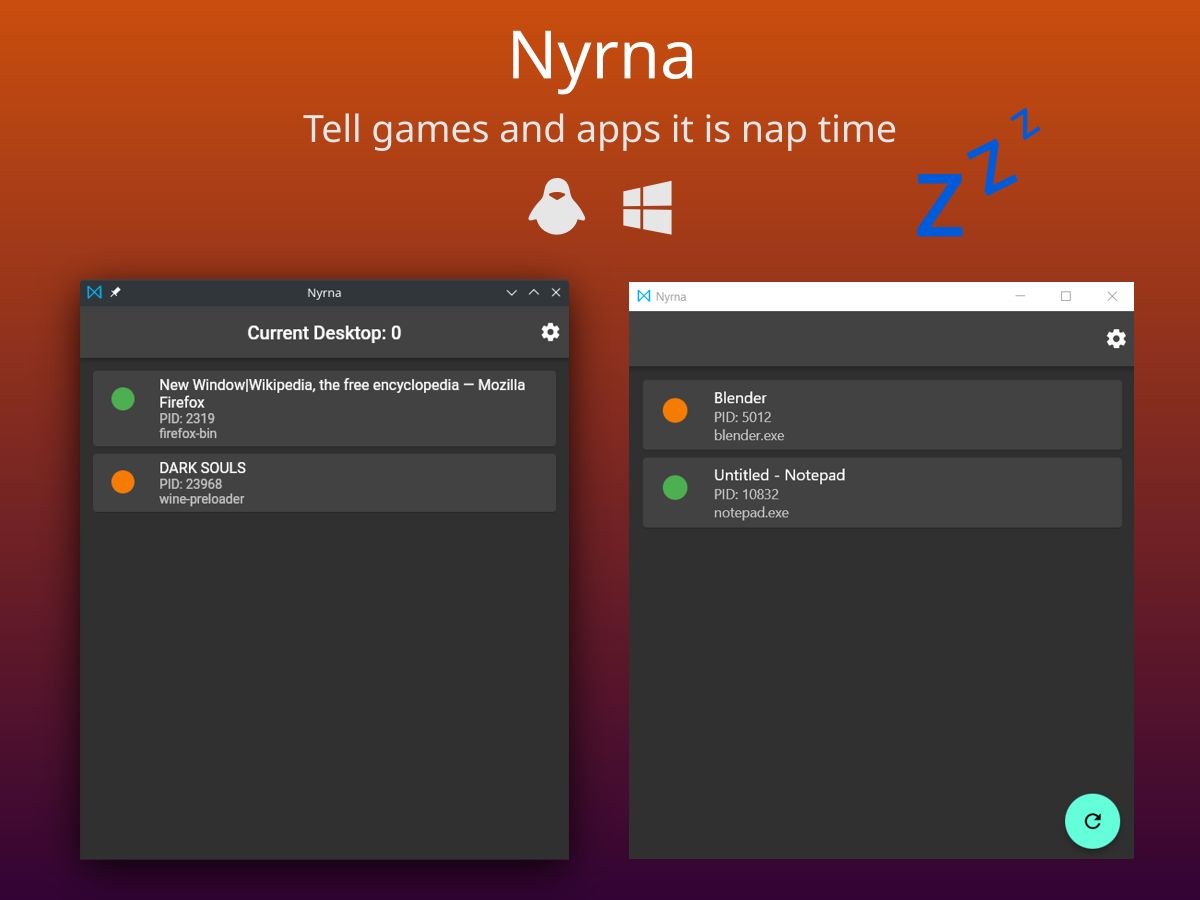
- Nyrna: Suspend games and applications at any time, freeing CPU and GPU resources.
- ProcessHacker: Powerful multipurpose tool for monitoring and managing system processes.
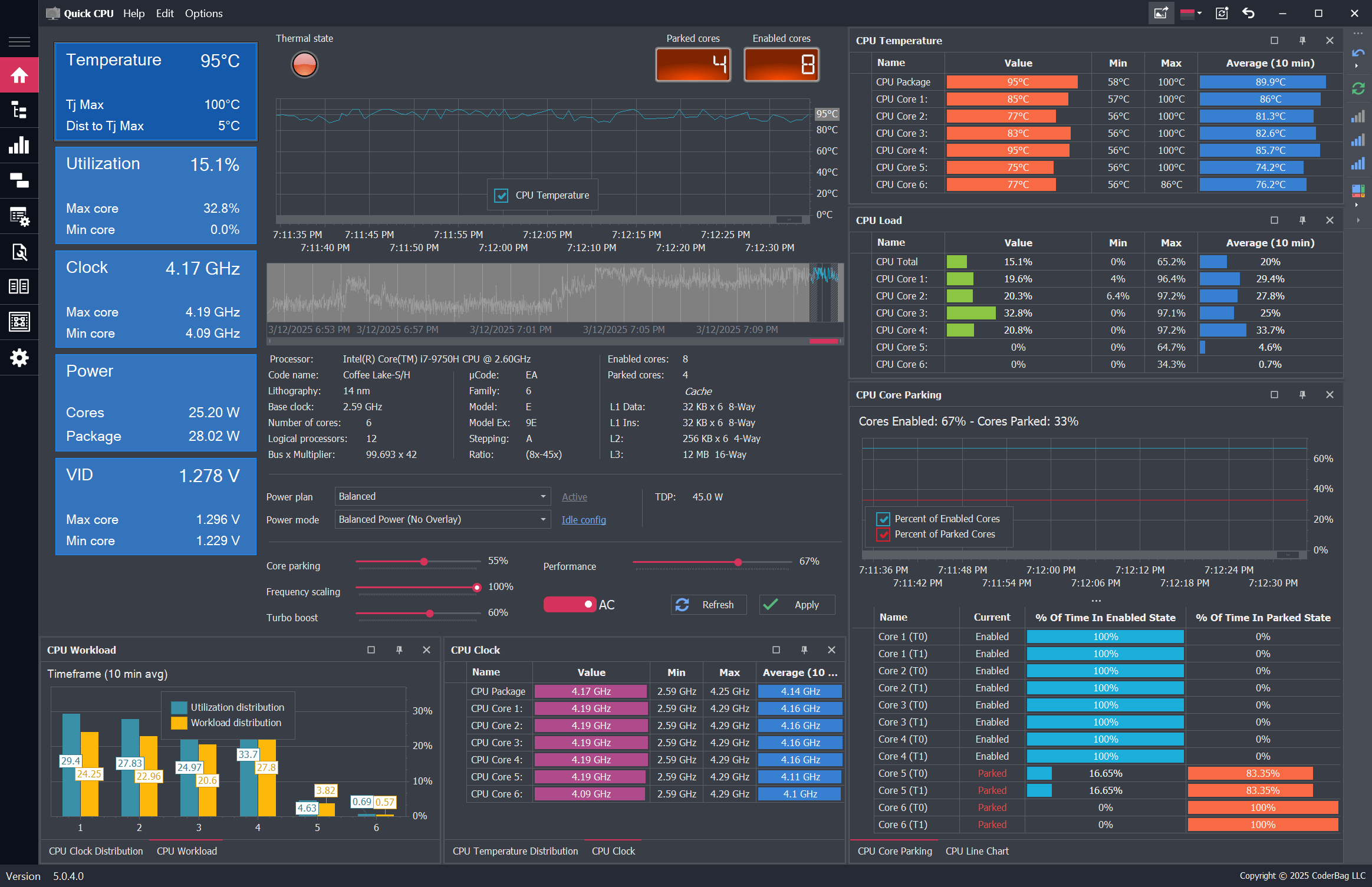
- QuickCPU: CPU monitoring, performance tuning, and stability testing for Intel and AMD processors.
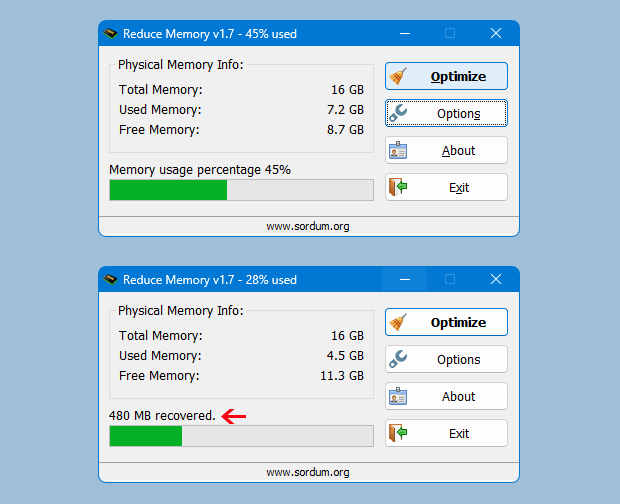
- Reduce Memory: Improve system performance by freeing up memory occupied by running processes.
- RevoUninstaller: Advanced uninstaller that removes programs and their leftover traces.
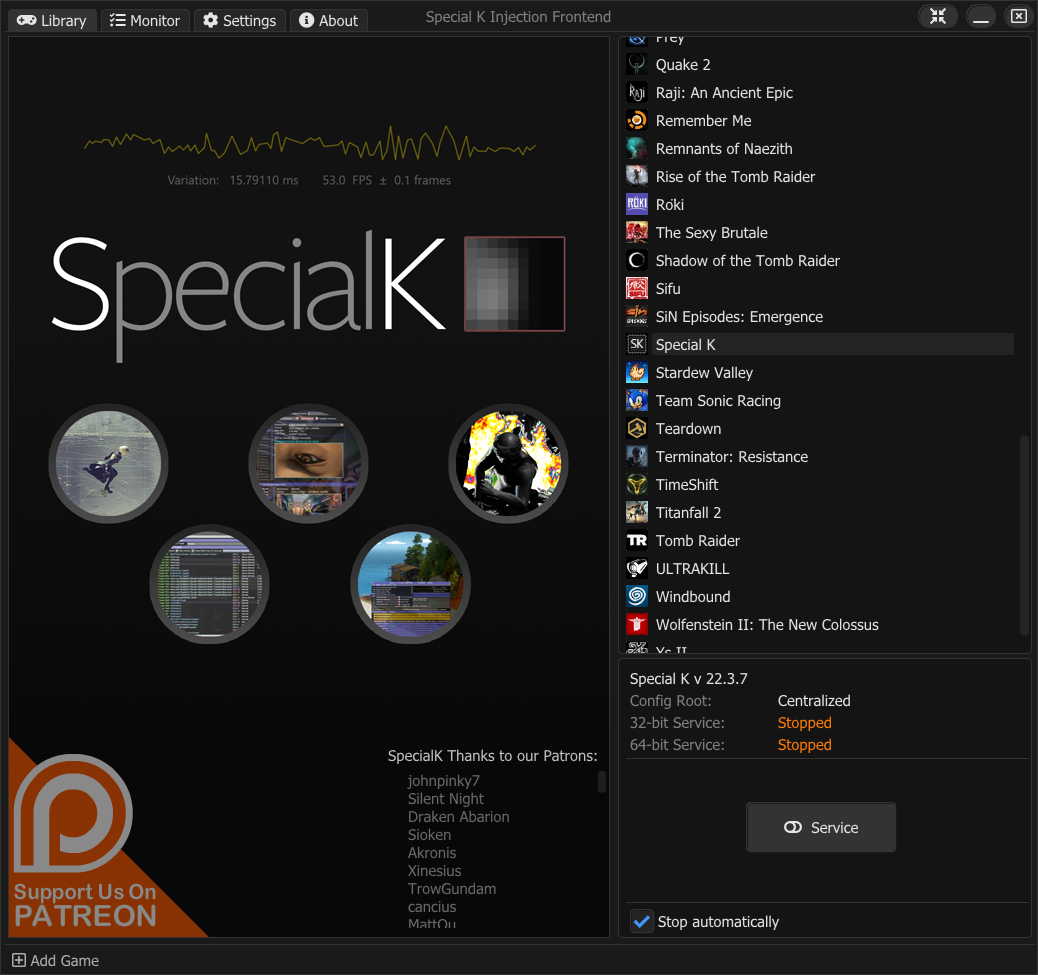
- Special K: Performance optimization, graphics and HDR enhancement, game and window management.
- Speccy: Displays detailed system specifications and component information.
- SpeedyFox: Optimizes browser profiles to speed up Firefox, Chrome, and Skype startup.
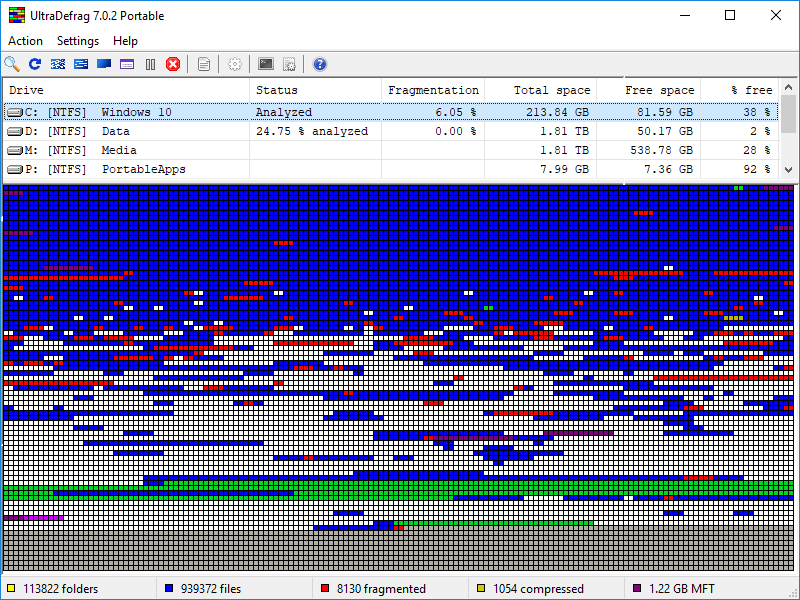
- UltraDefrag: Powerful disk defragmentation tool for Windows.
- WhatChanged: Tracks changes made to files and registry during software installations.
Privacy & Telemetry Blockers
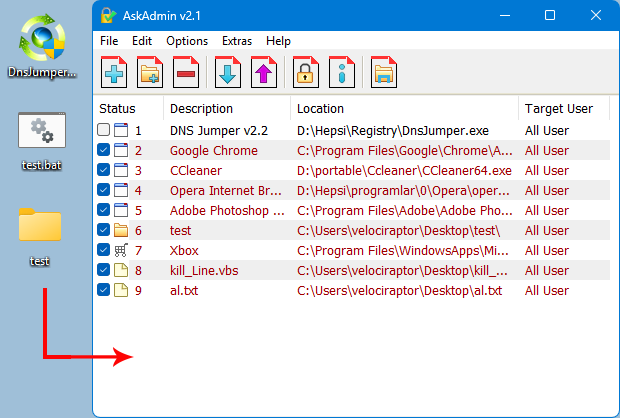
- AskAdmin: Block resources on your computer including Microsoft Store, Microsoft Edge, Google Chrome, Skype, and more.
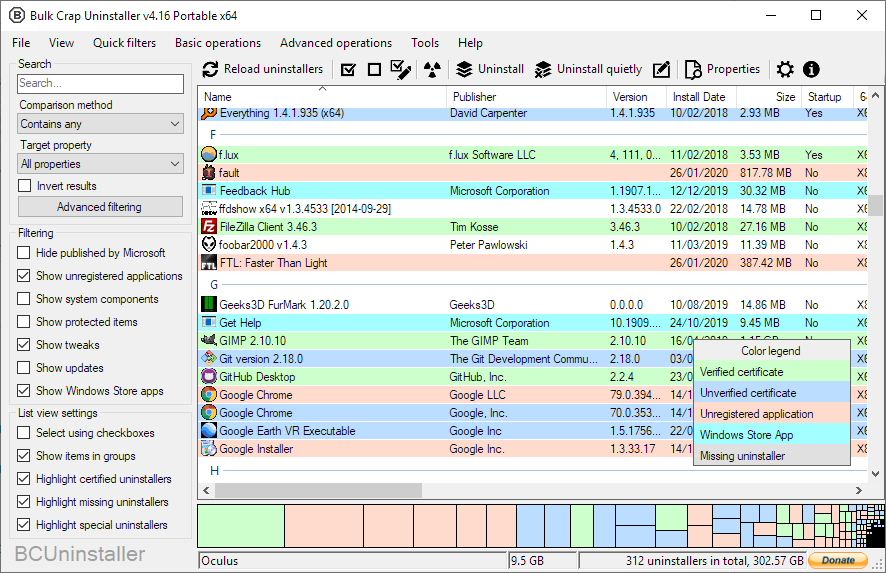
- BCUninstaller: Excels at removing large amounts of applications with minimal user input.
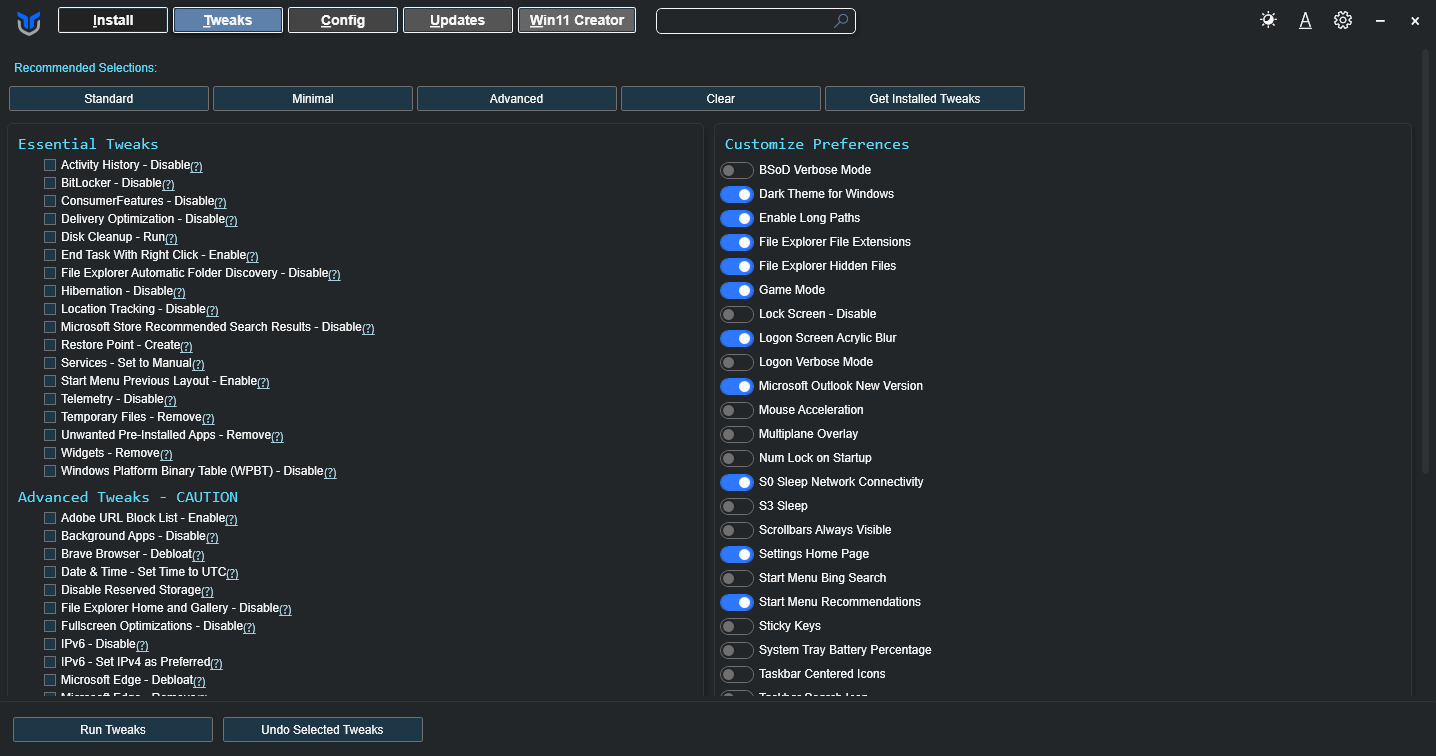
- Chris Titus Tech Windows Utility: A curated compilation of Windows system tasks streamline installs, debloat with tweaks, troubleshoot with config, and configure Windows updates.
- DiskCleaner: Clean temporary files, cache, browsing history, and other system junk.
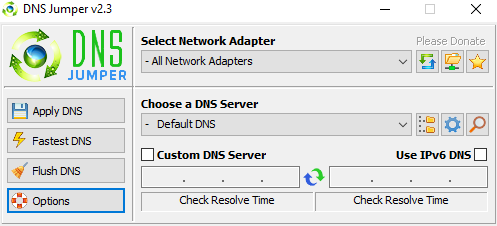
- DNS Jumper: Change DNS settings to improve internet speed, enhance security, or bypass restrictions.
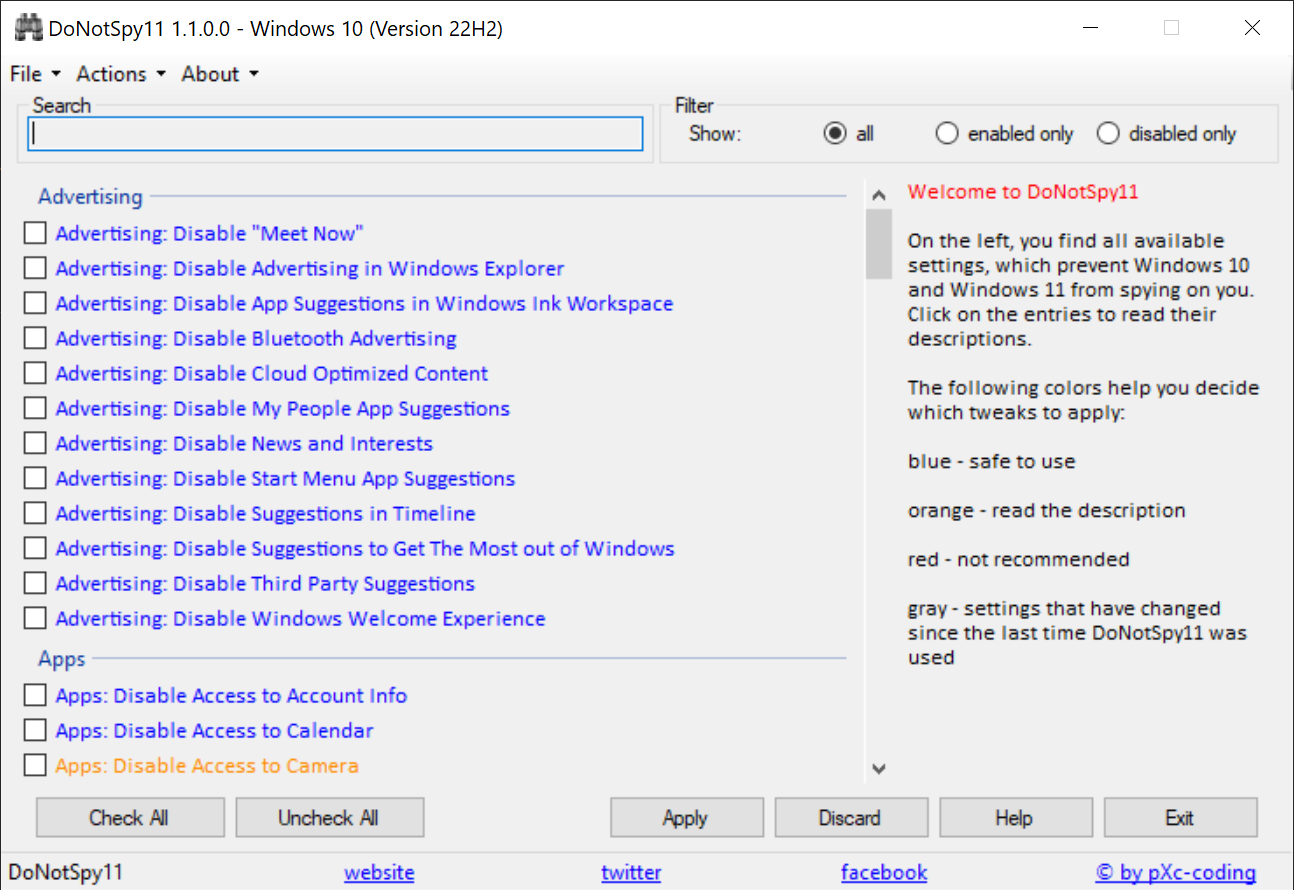
- DoNotSpy11: Manage all relevant privacy settings with just a few clicks on Windows 10/11.
- EraserDotNet: Securely delete files and folders using advanced overwrite methods.
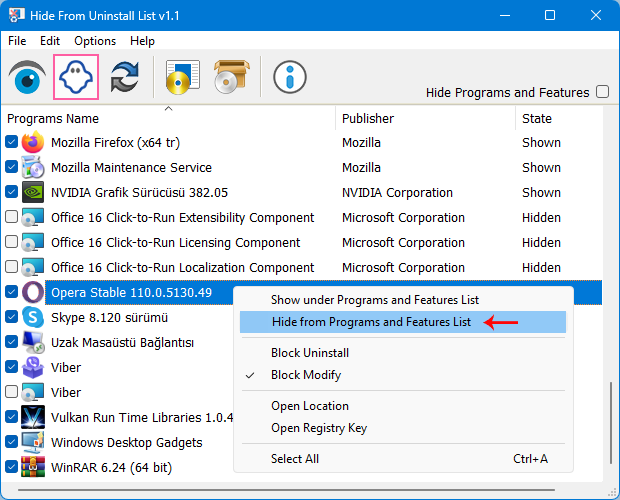
- Hide From Uninstall: Hide entries in Add/Remove Programs.
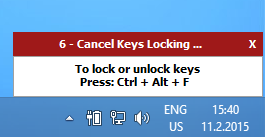
- KeyFreeze: Locks your keyboard and mouse without locking the screen.
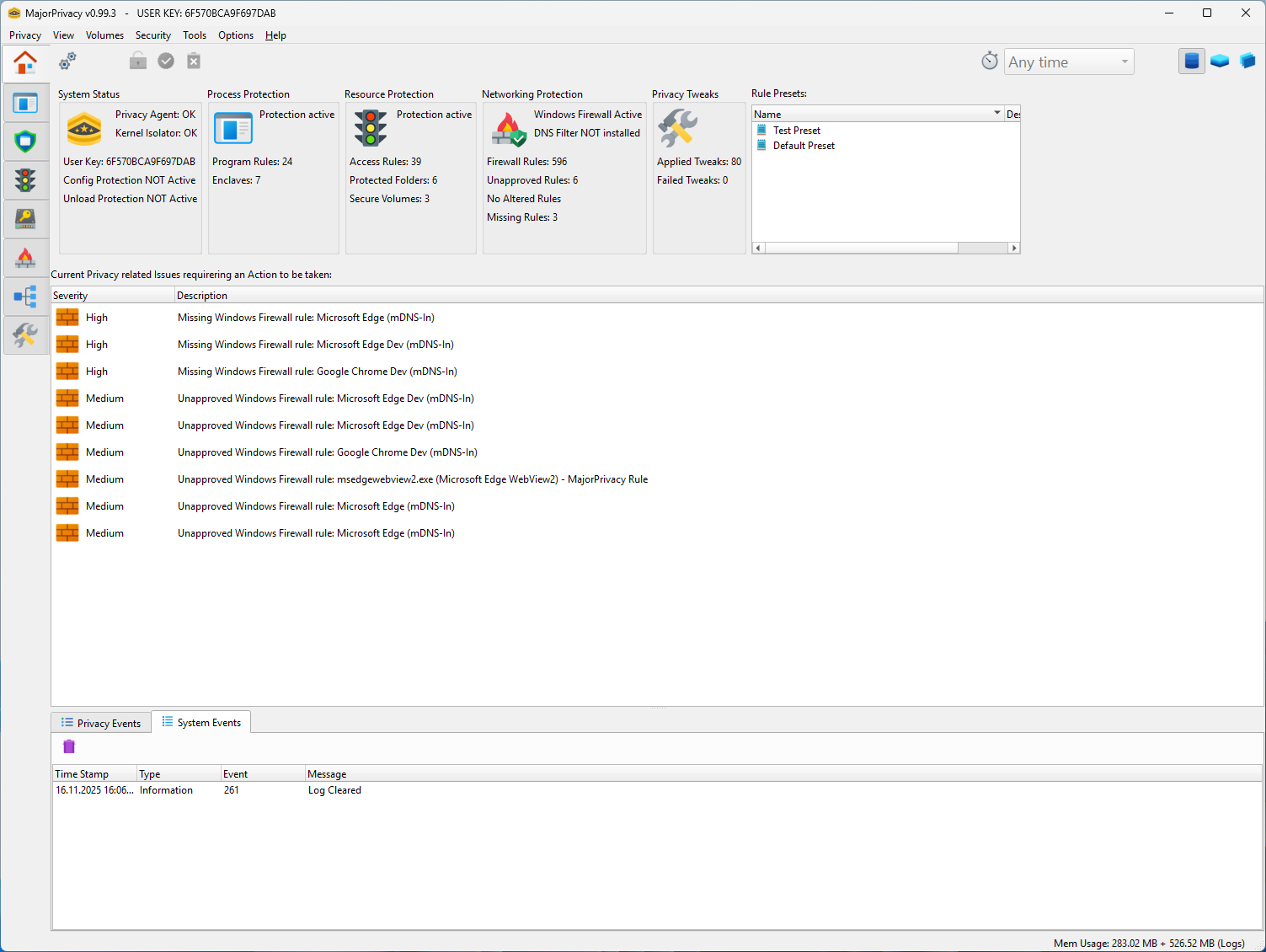
- Major Privacy: Advanced privacy tool for Windows.
- NetDisabler: Disable Internet connectivity for a period of time or on an event.
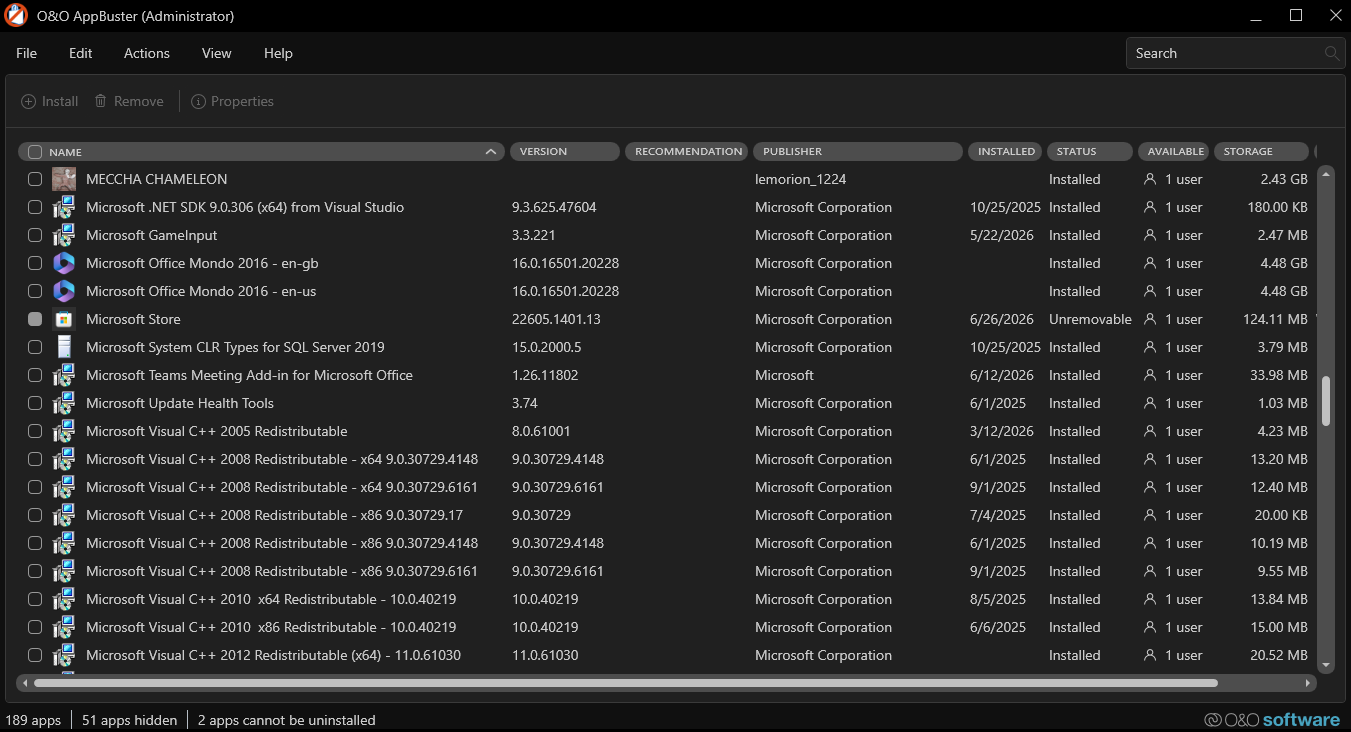
- O&O AppBuster: Removal of pre-installed Windows apps on Windows 10 and Windows 11.
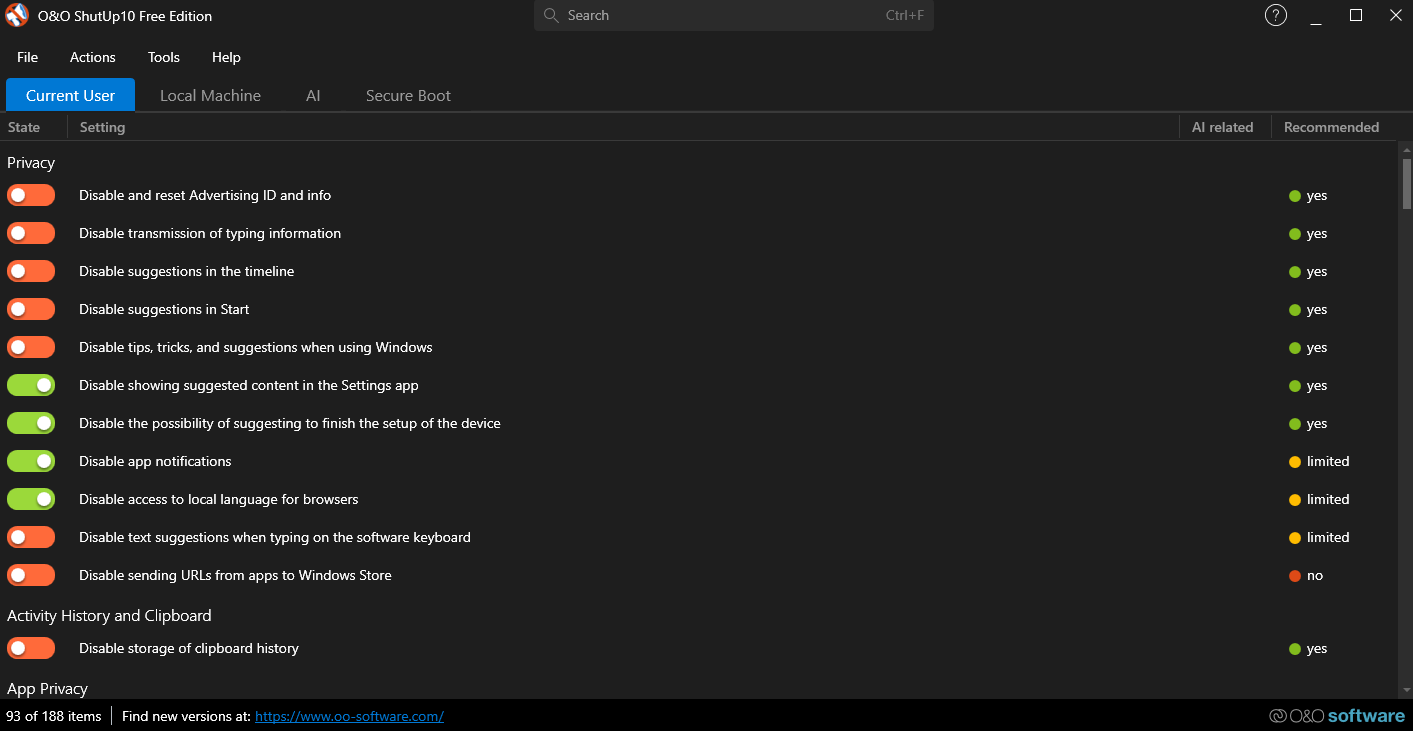
- O&O ShutUp10++: Control various privacy and telemetry settings that are otherwise scattered across the operating system.
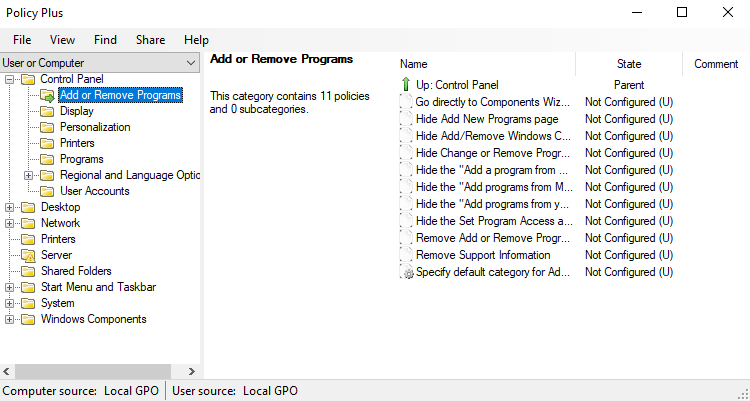
- Policy Plus: Local Group Policy Editor plus more, for all Windows editions (not just Pro and Enterprise).
- PrivaZer: PC cleaner and privacy tool that removes junk files, browser traces, and hidden system clutter while preventing recovery of deleted data.
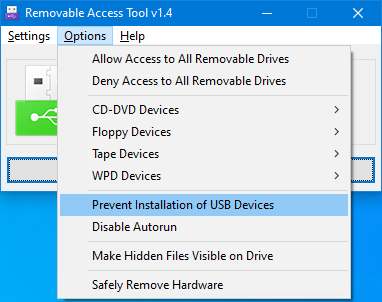
- Removable Access Tool: Disable USB storage access or enable write protection on all USB flash drives.
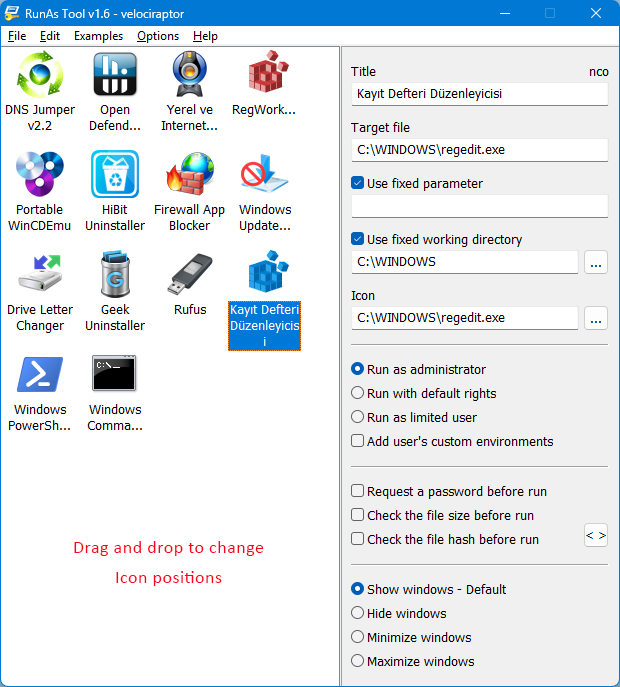
- RunAsTool: Allows standard users to run a specific program with administrator privileges.
- Spybot: Detects and removes spyware, adware, and malware from your system.
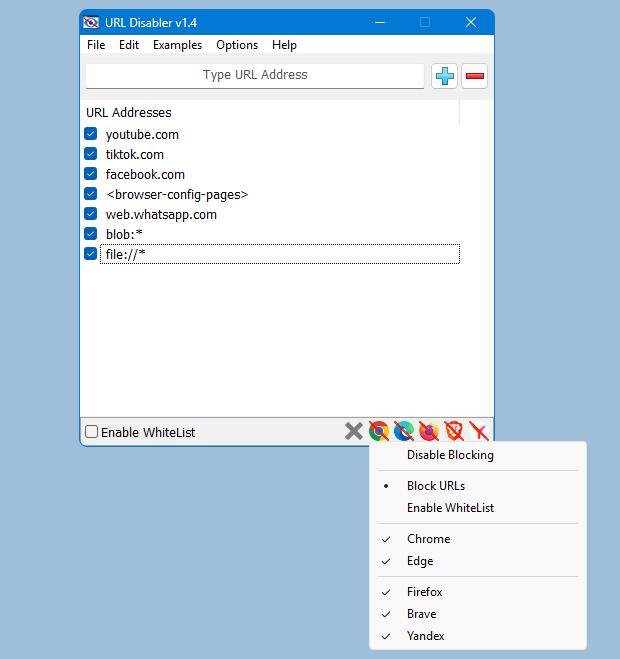
- UrlDisabler: URL blocking for Google Chrome, Firefox, Microsoft Edge, Brave, and Yandex.
- WebCam On-Off: Disable your webcam when not in use.
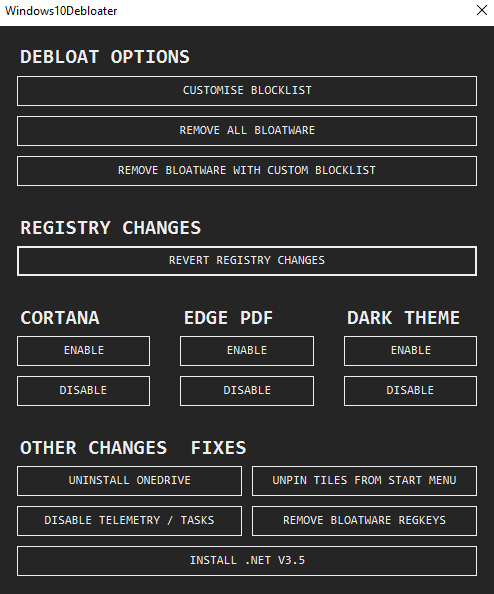
- Windows 10 Debloater: Script/Utility/Application to debloat Windows 10, to remove Windows pre-installed unnecessary applications, stop some telemetry functions, stop Cortana from being used as your Search Index, disable unnecessary scheduled tasks, and more.
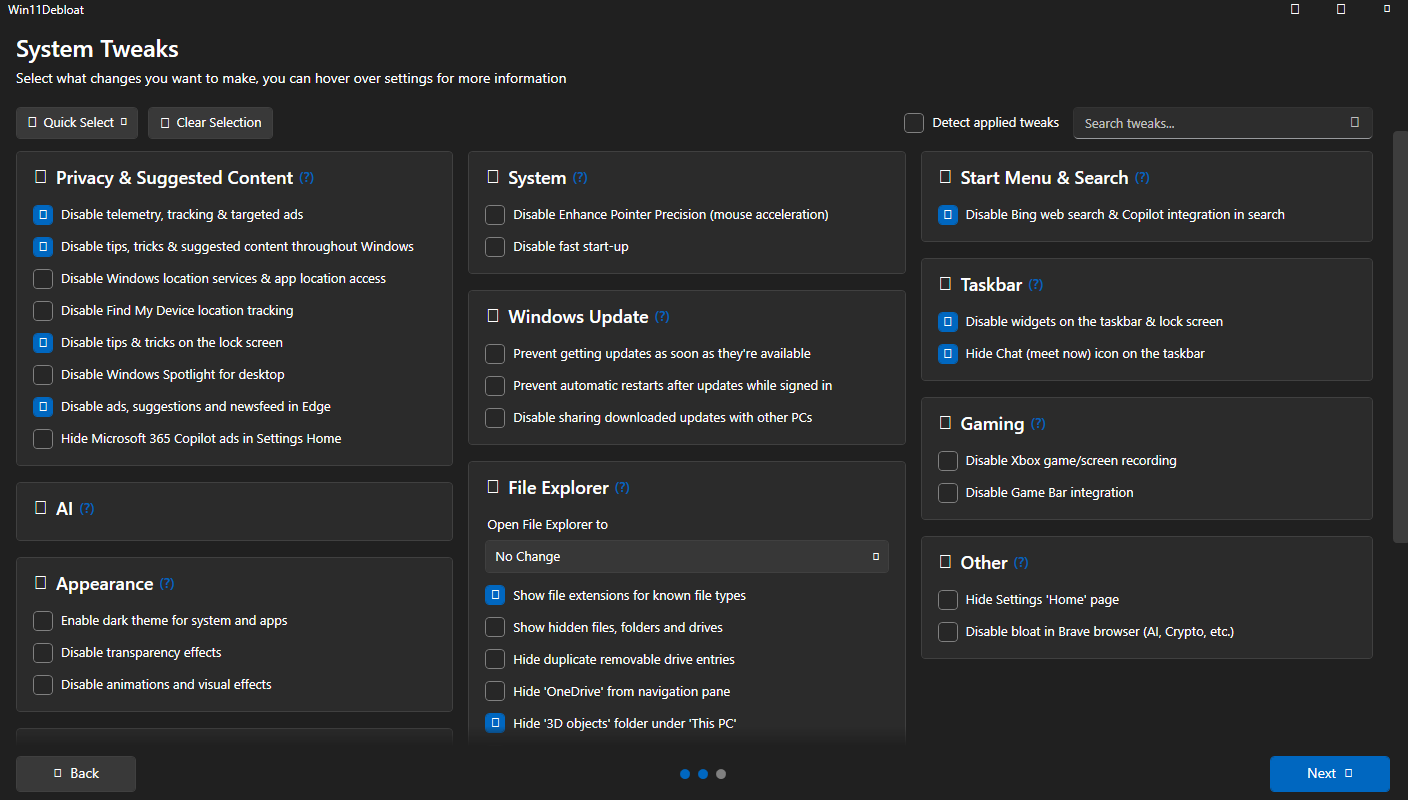
- Windows 11 Debloater: Remove pre-installed apps, disable telemetry, remove intrusive interface elements and much more.
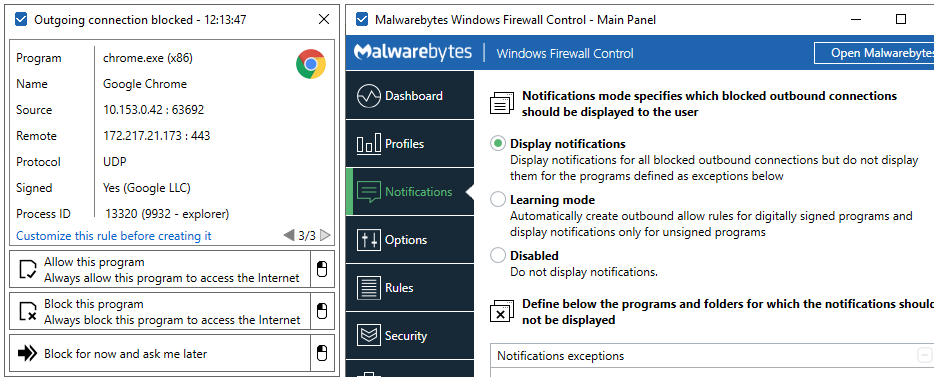
- Windows Firewall Control: Control the native Windows firewall easily from the system tray.
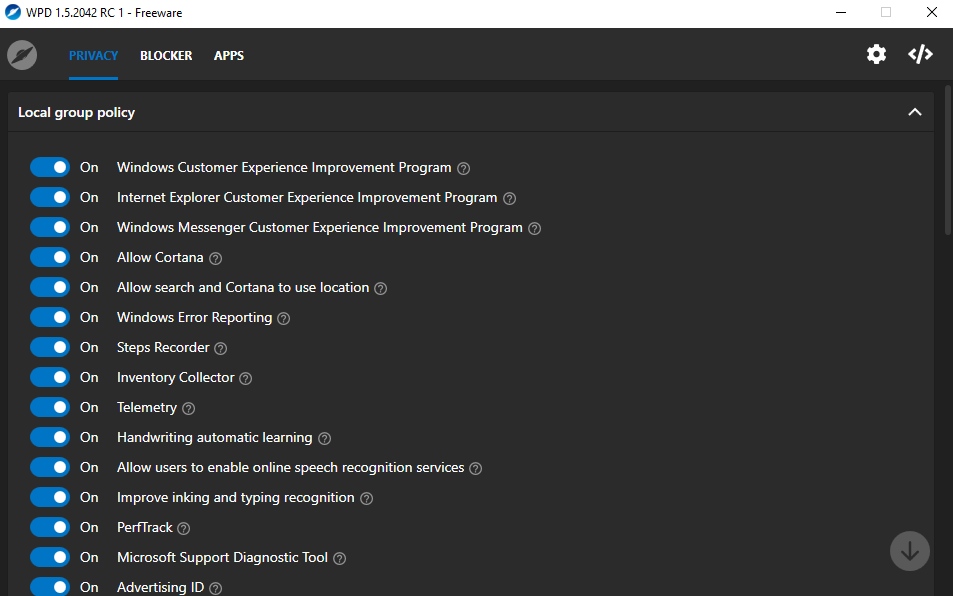
- WPD: Most convenient way to configure various privacy settings in Windows.
Customization
- AutoHotkey: Ultimate keyboard/mouse macro, hotkey, and automation tool.
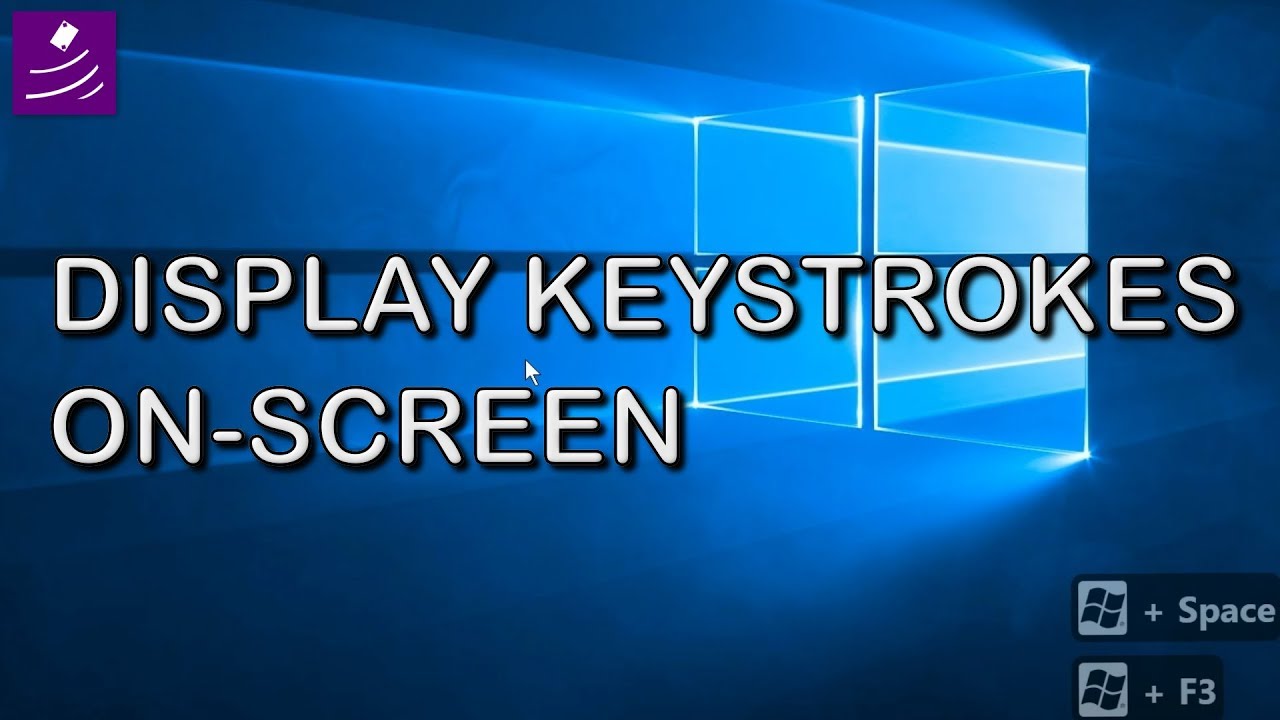
- Carnac: On-screen keystroke visualization.
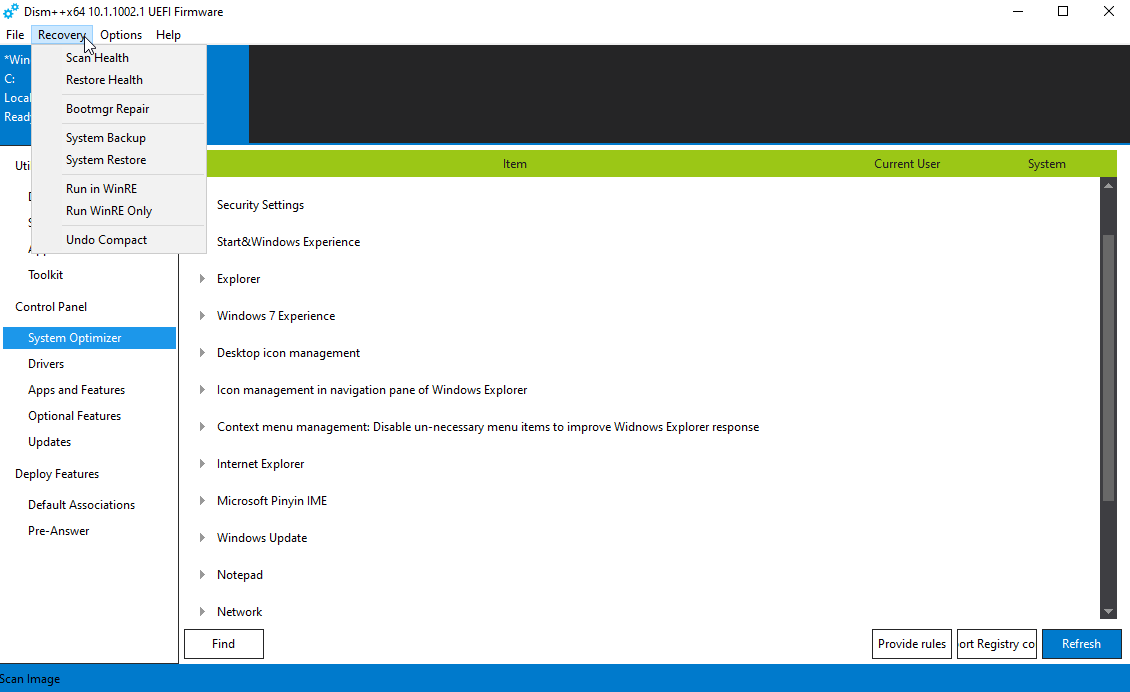
- DISM++: GUI front-end for DISM that can clean the WinSxS store, compress the OS, manage updates and drivers.
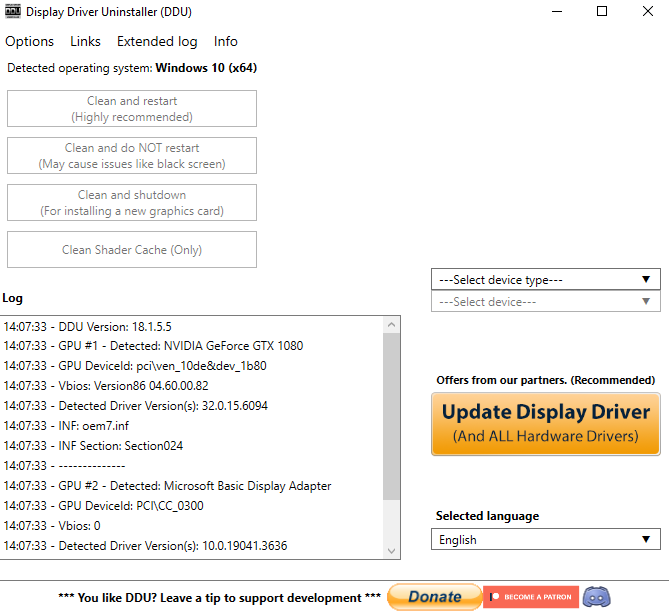
- Display Driver Uninstaller (DDU): Completely uninstall AMD, NVIDIA, and Intel graphics drivers.
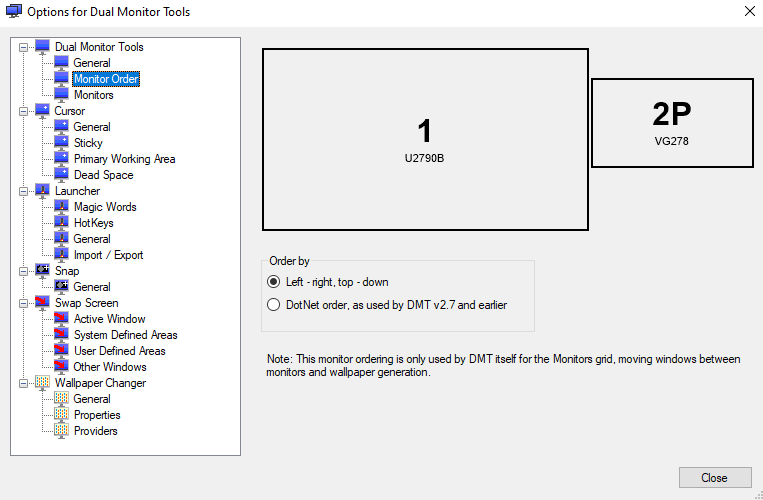
- Dual Monitor Tools: Cursor locking, application launcher, screen swapping, spanned wallpapers, and more.
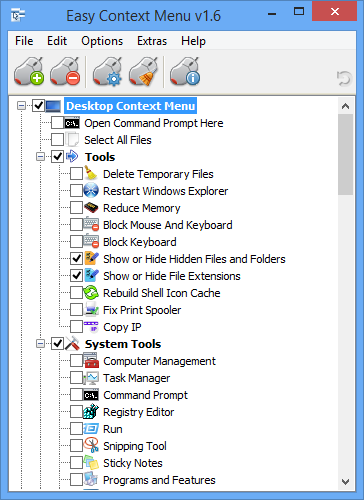
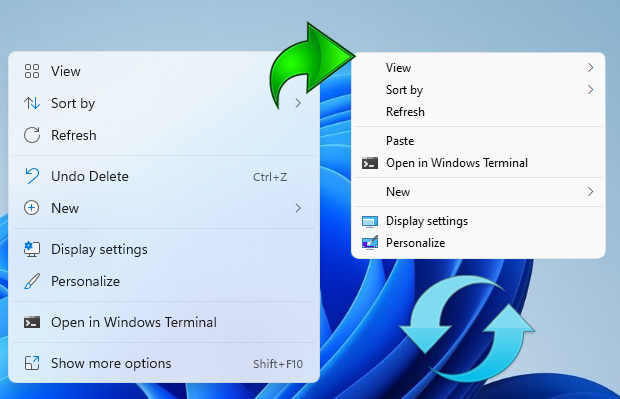
- Easy Context Menu: Add useful commands to the right-click context menus.
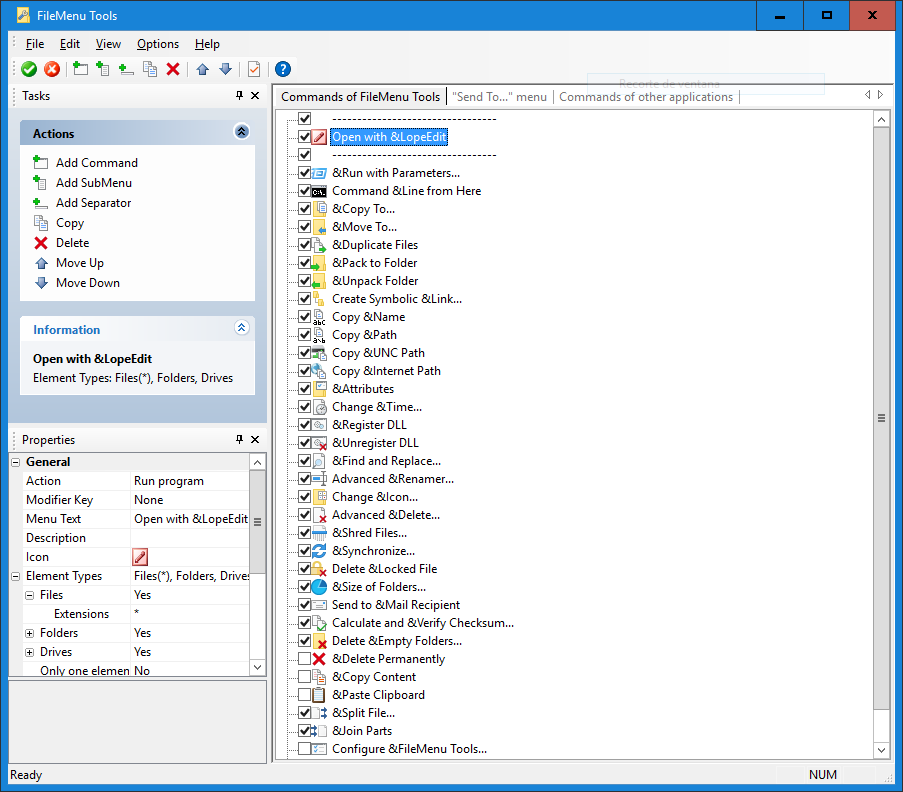
- FileMenuTools: Customize the context menu of Windows File Explorer.
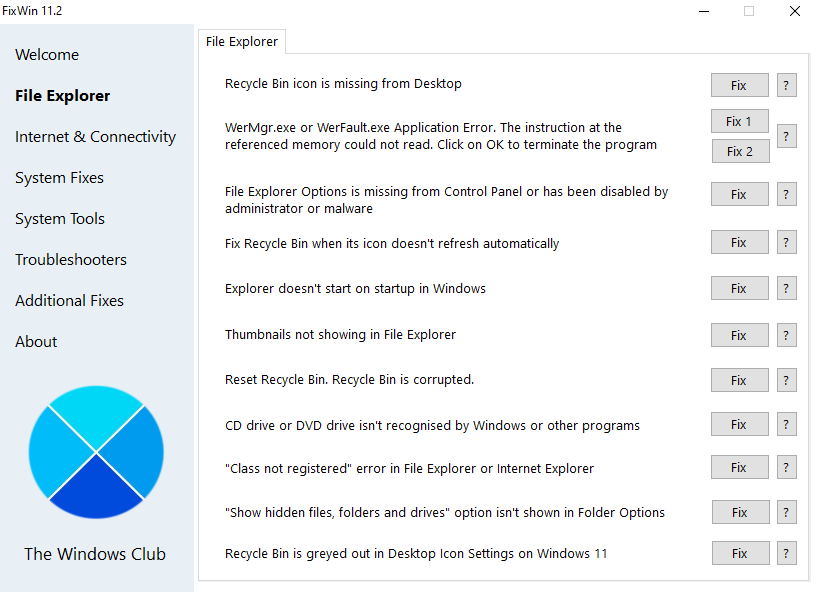
- FixWin 11: Over 70 one-click repairs for common issues on Windows 10 and Windows 11.
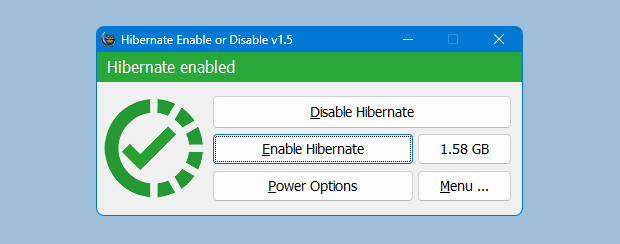
- Hibernate Enable or Disable: Enable or disable the hibernate function.
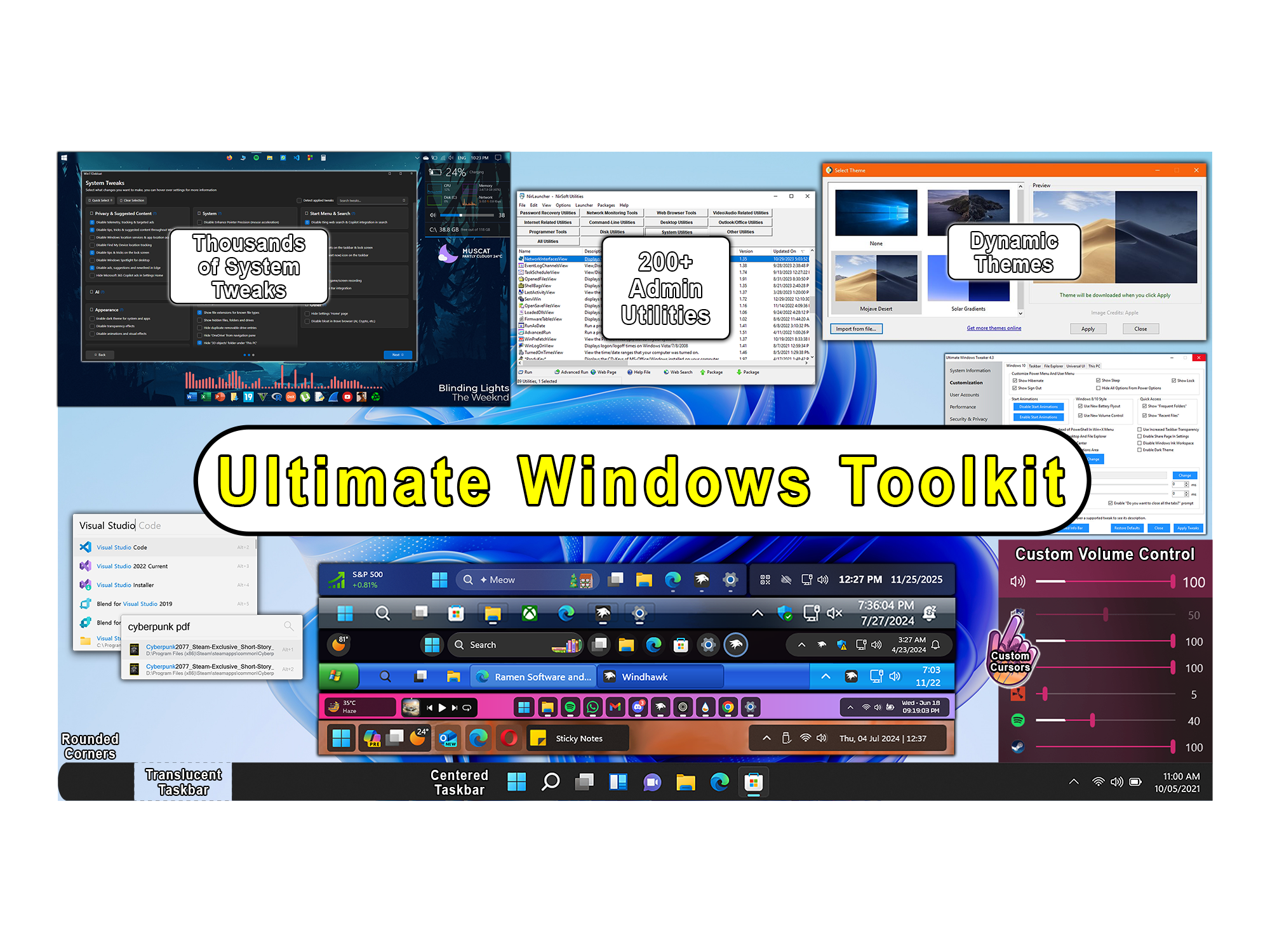
- NirLauncher: Over 200 utilities covering system info, network tools, password recovery, registry tools, and more.
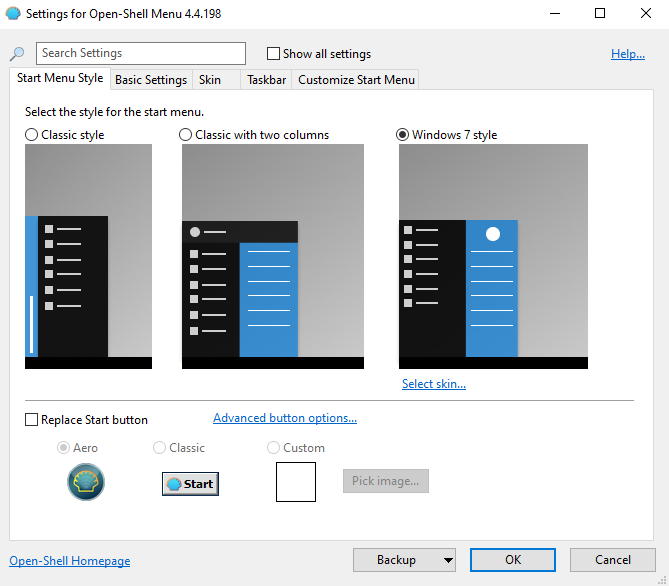
- Open-Shell: Classic style Start menu for Windows 7 through 11.
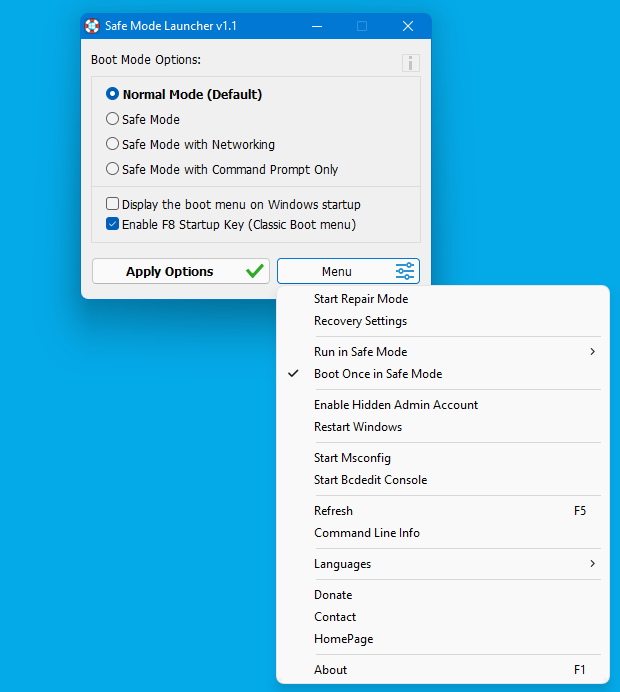
- Safe Mode Launcher: Boot into Safe Mode to remove stubborn installs or malware.
- Switch Power Scheme: Quickly switch between power schemes.
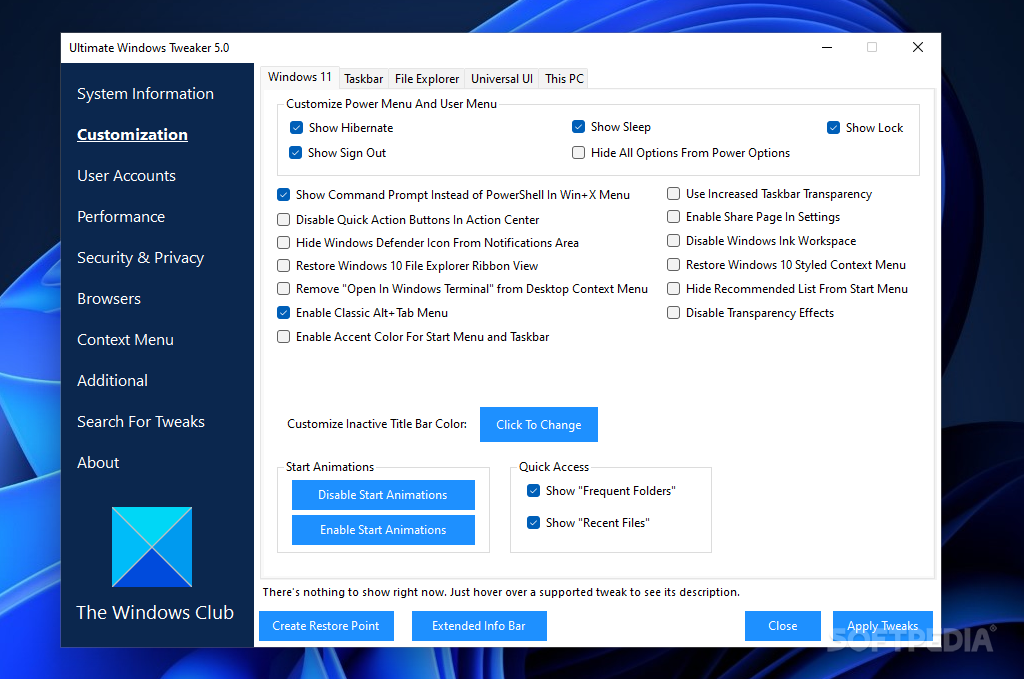
- Ultimate Windows Tweaker: Customize and optimize Windows 11 with over 200 tweaks.
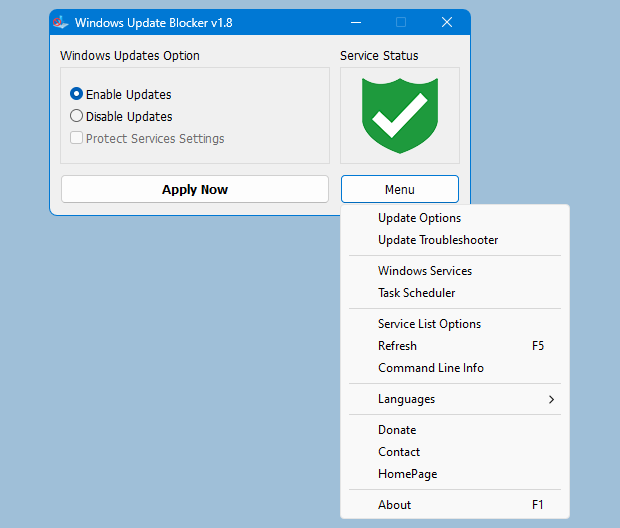
- Windows Update Blocker: Disable or enable automatic updates on your Windows system.
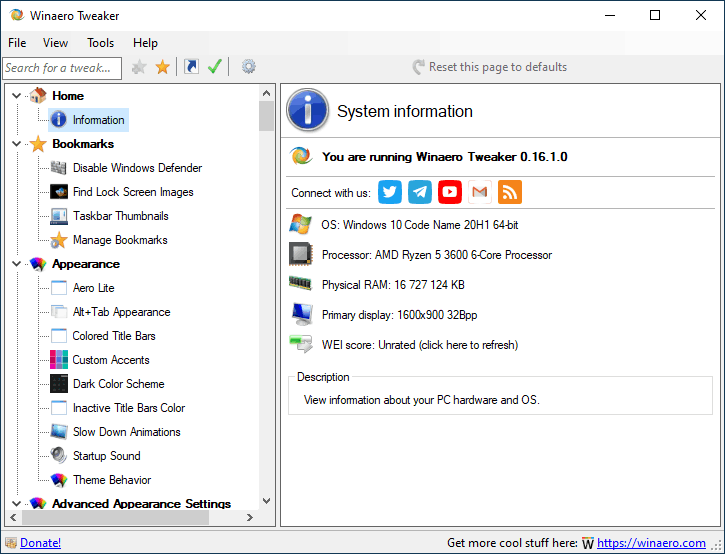
- Winaero Tweaker: Adjust hidden settings not accessible through the standard Windows UI.
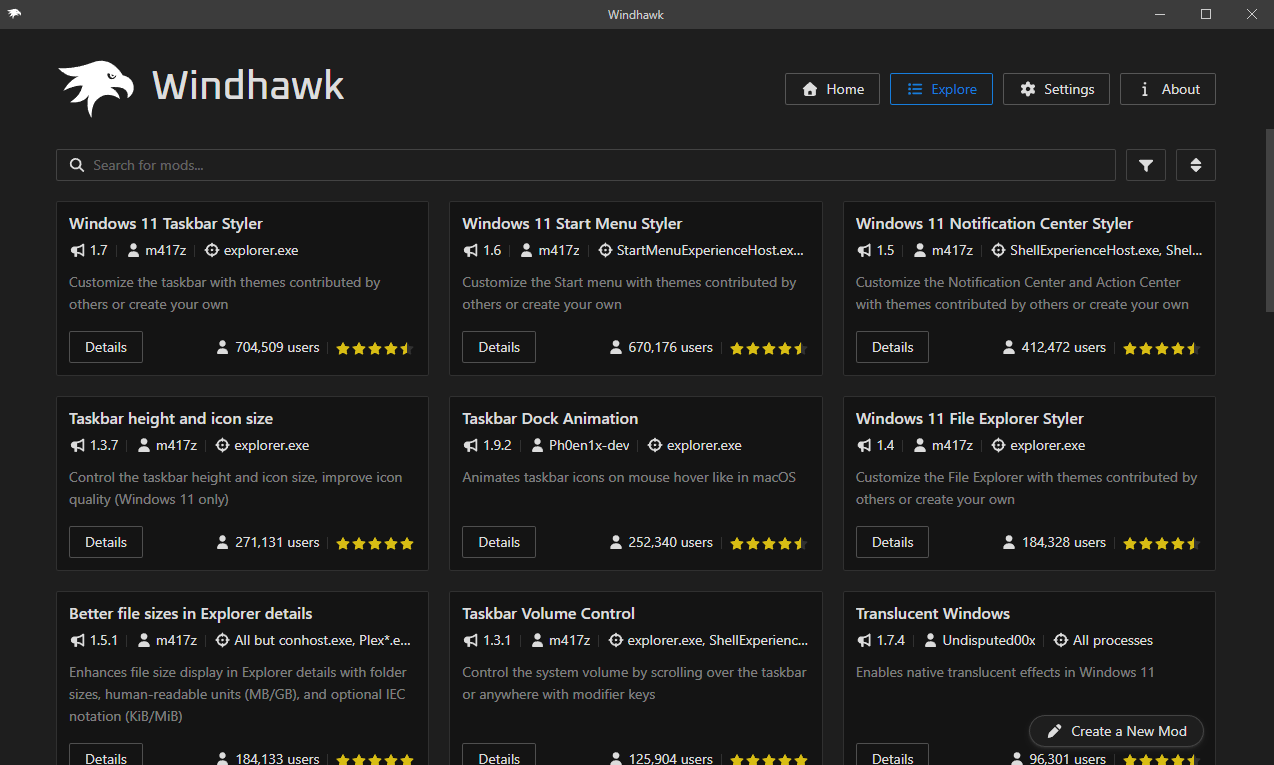
- Windhawk: Modular platform for tweaking and enhancing Windows with over 270 mods.
Aesthetic
- Advanced System Font Changer: Modify font style, size, and script for specific UI elements.
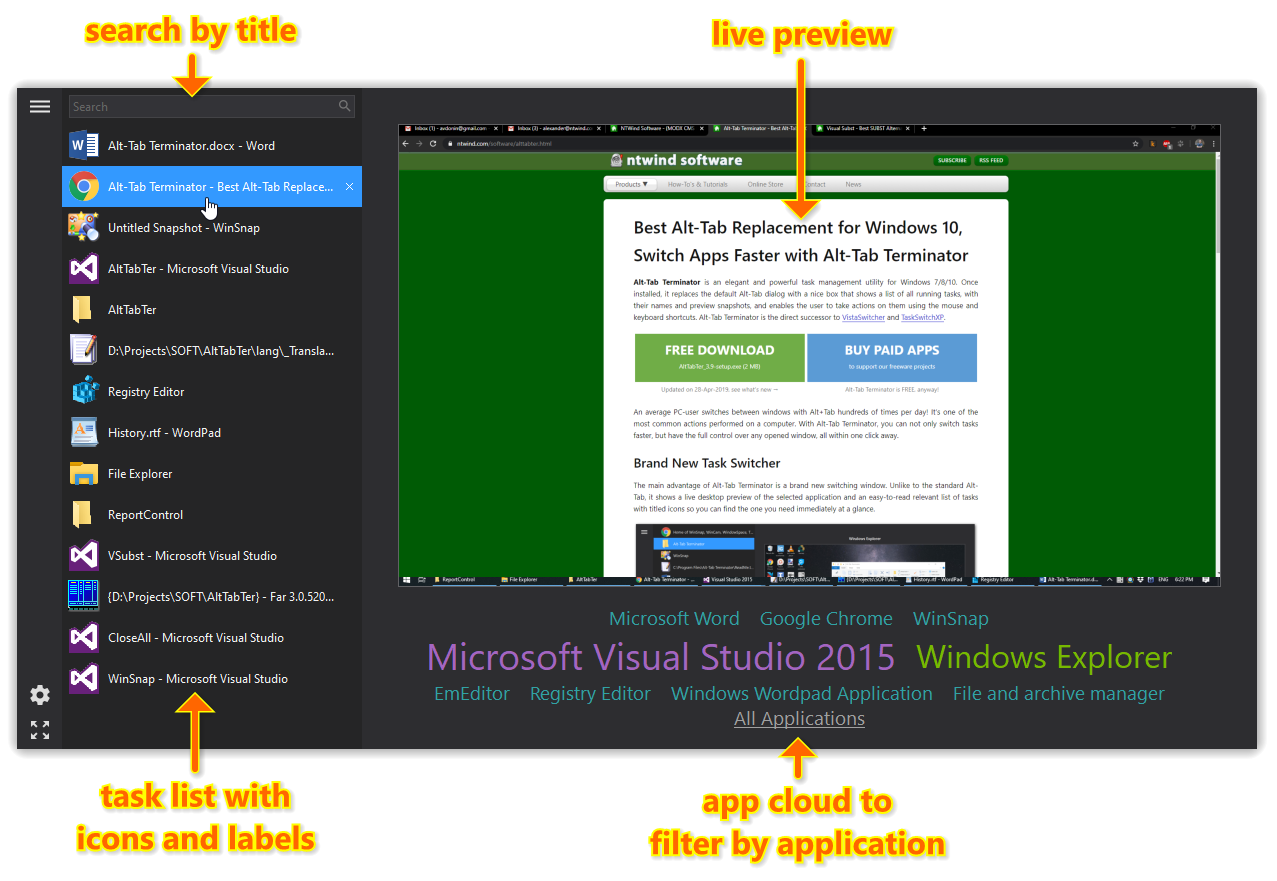
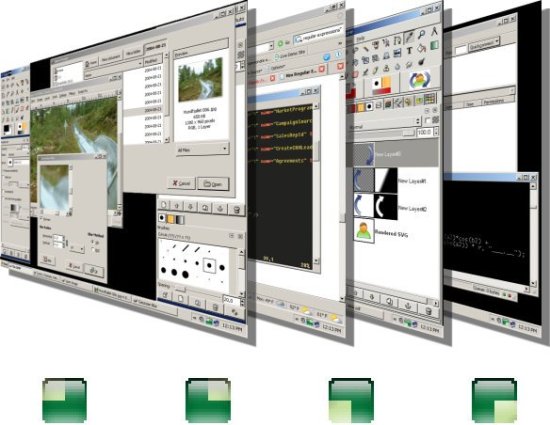
- Alt-Tab Terminator: Replaces the default Alt-Tab dialog with a list of all running tasks with previews.
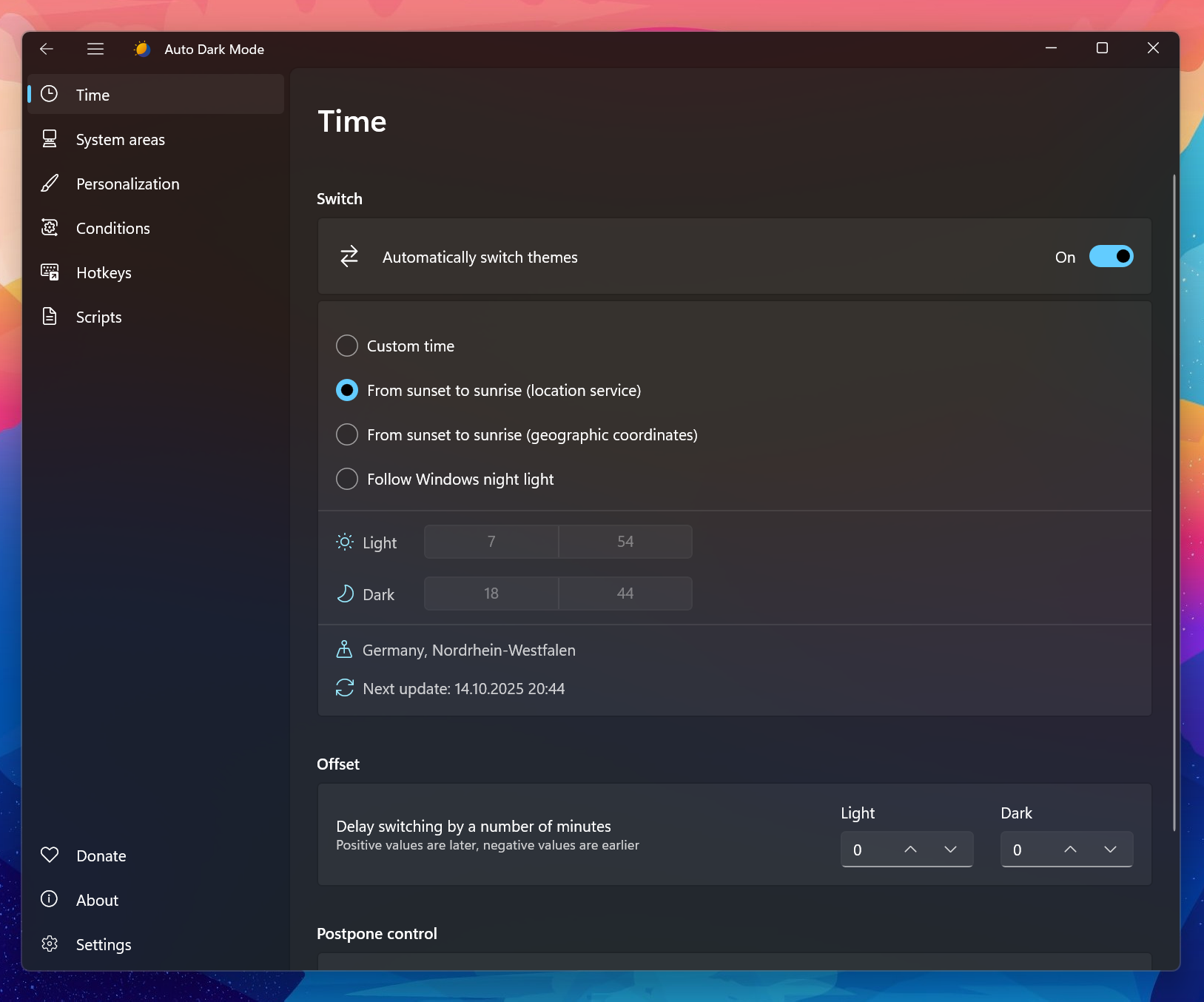
- AutoDarkMode: Switches between dark and light theme of Windows at scheduled times.
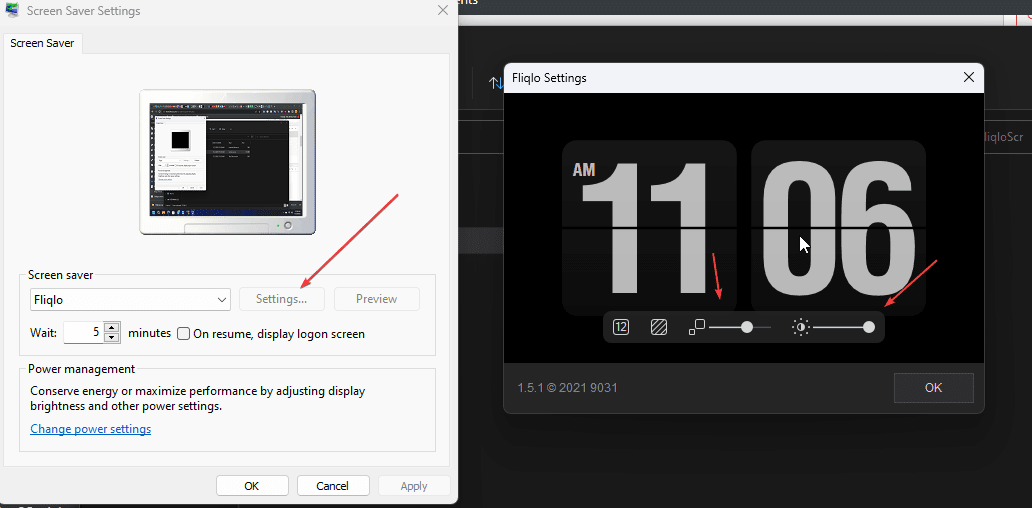
- Fliqlo: Flip-clock screensaver.
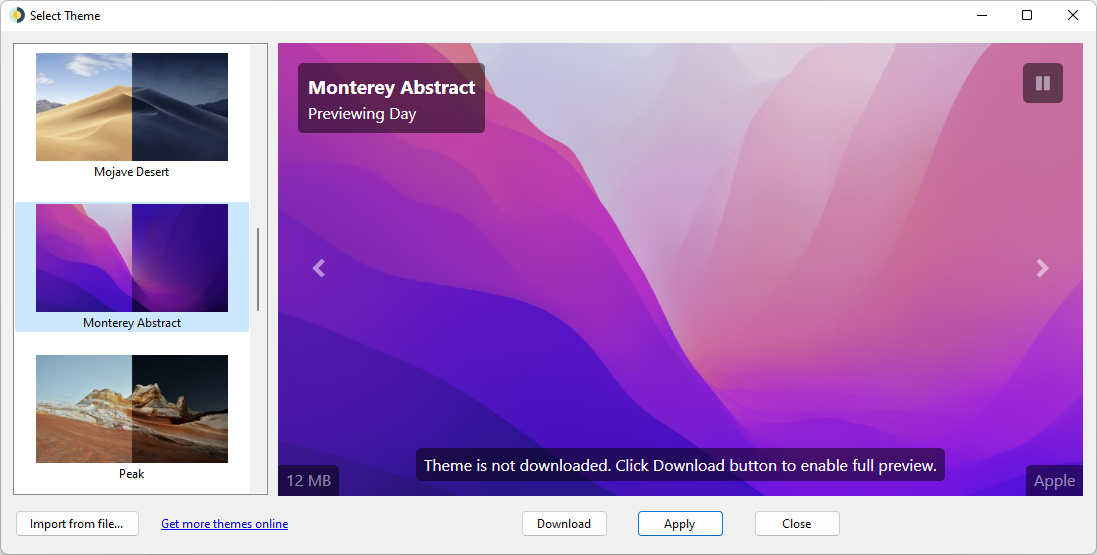
- Lively: Set animated desktop wallpapers and screensavers on Windows.
- Matrix: Windows screensaver of the green Matrix cypher-code.
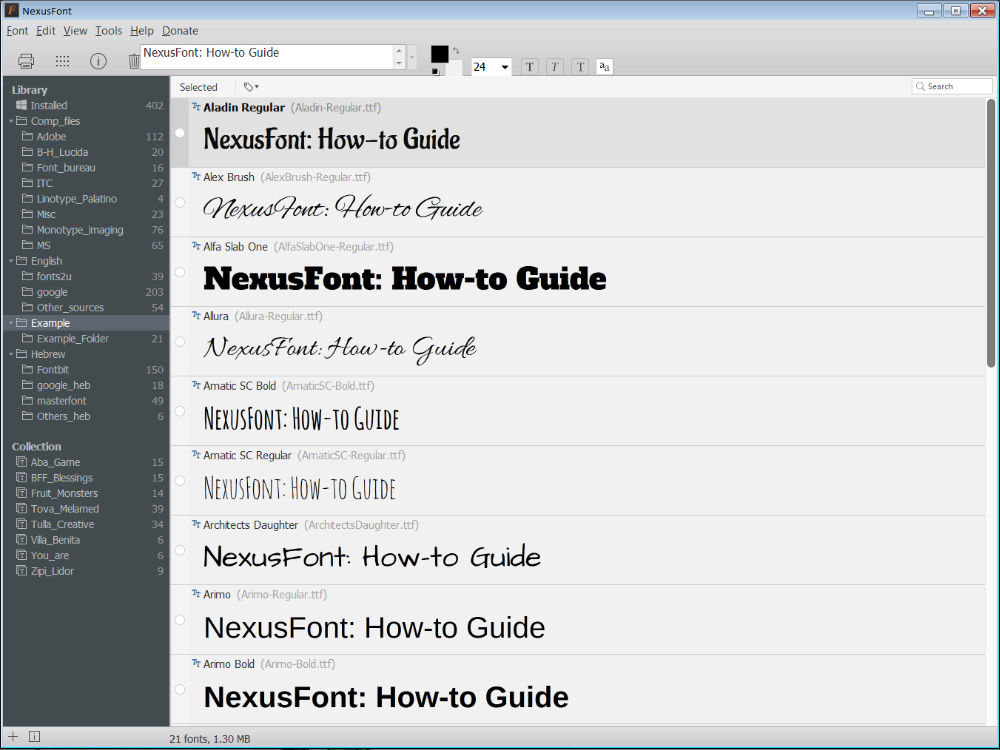
- NexusFont: Preview, compare, install, uninstall, and organize system fonts.
- Rainmeter: Customize your desktop with dynamic widgets, skins, and interactive modules.
- VirtuaWin: Organize applications across multiple virtual desktops.
- WinDynamicDesktop: Port of macOS Mojave Dynamic Desktop feature to Windows 10 and 11.
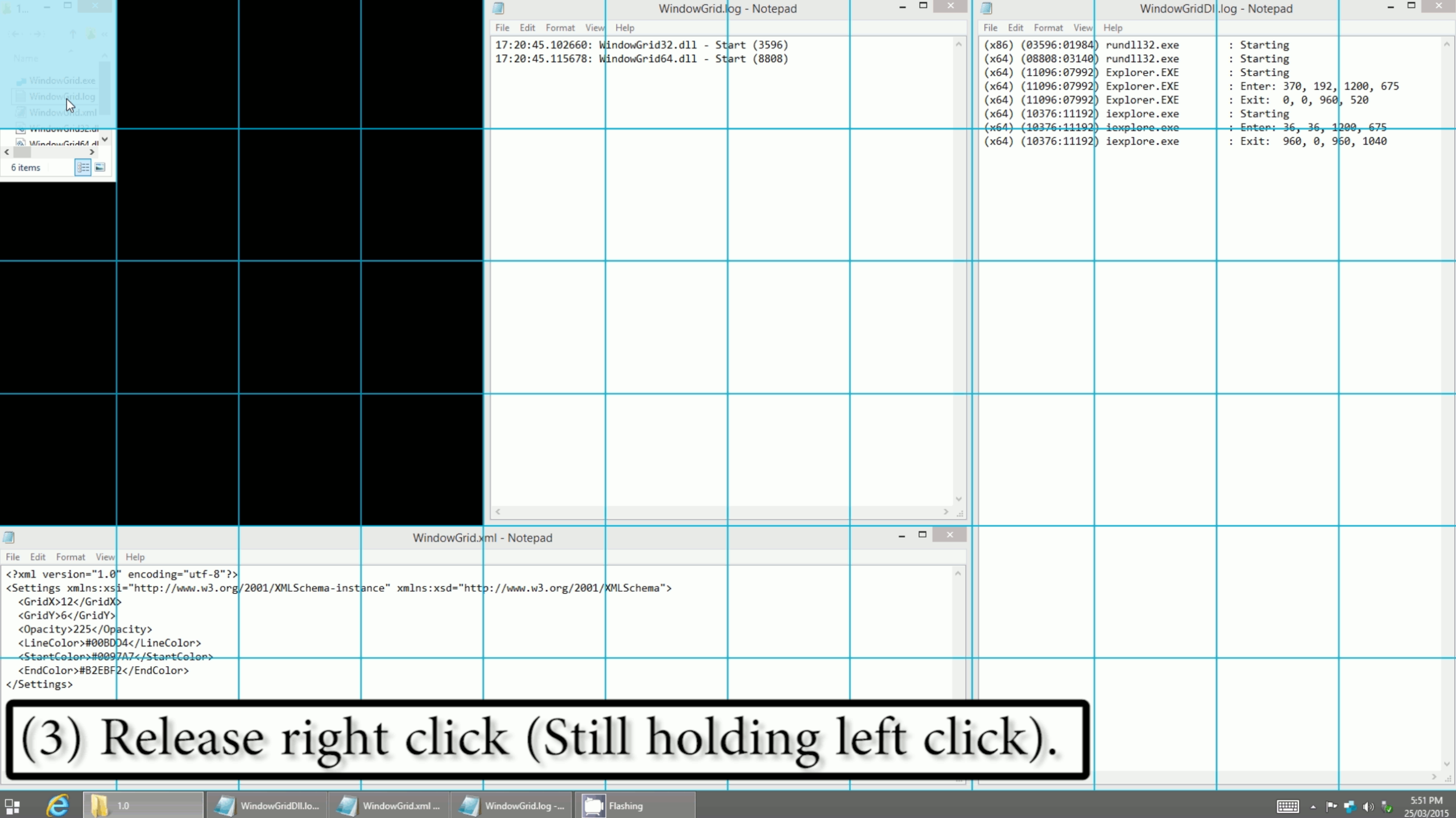
- WindowGrid: Quickly layout windows on a dynamic grid using just the mouse.
Taskbar Customization
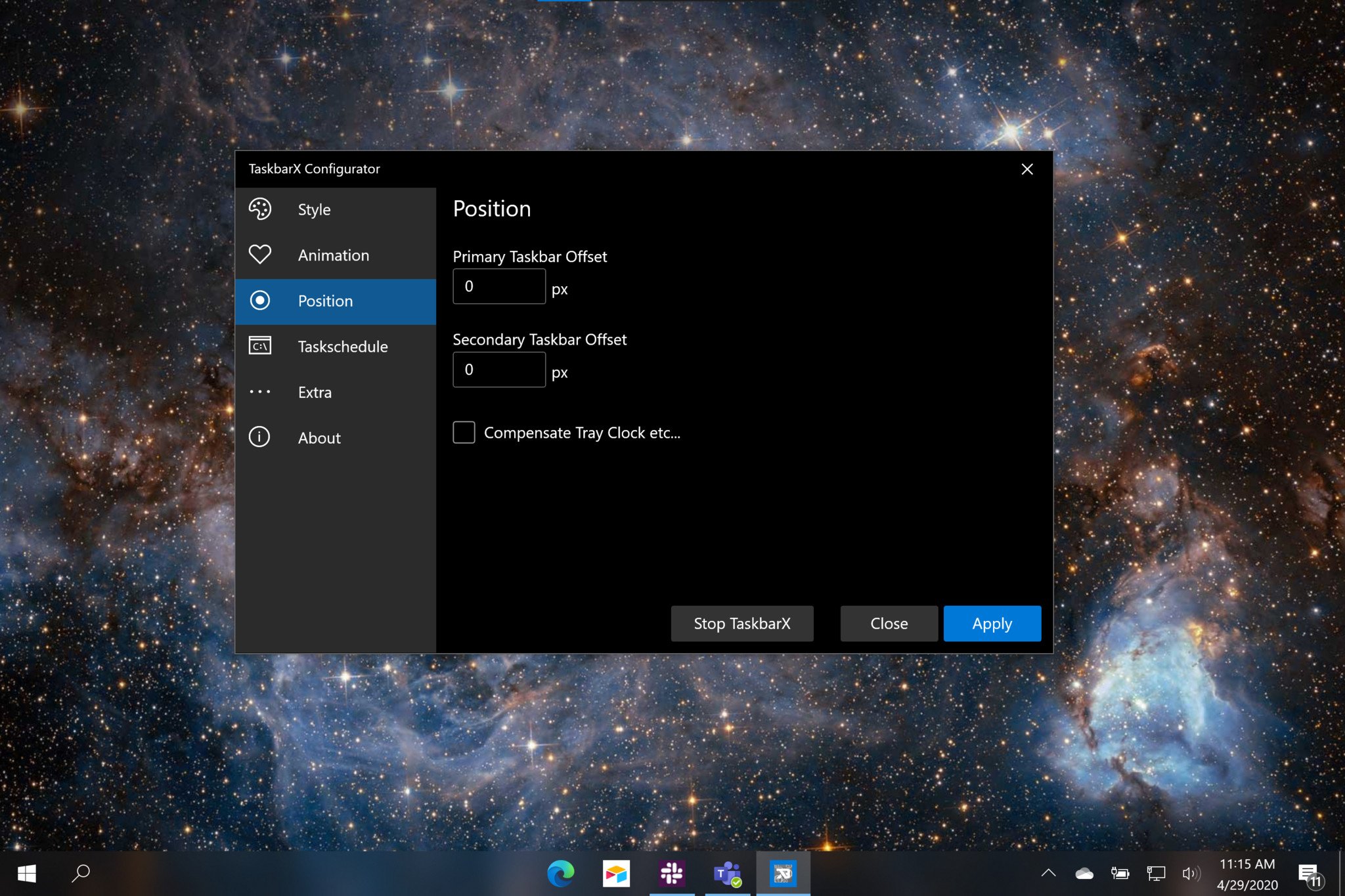
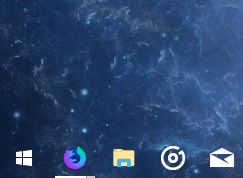
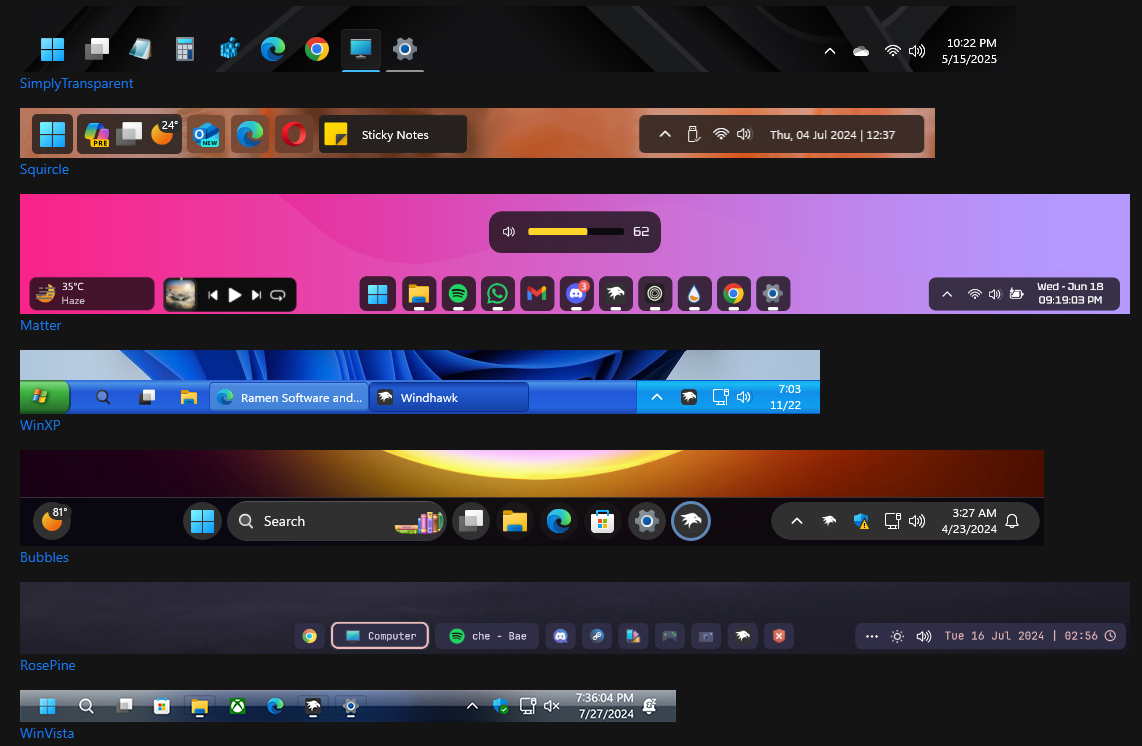
- TaskbarX: Center Windows taskbar icons with animations and options.
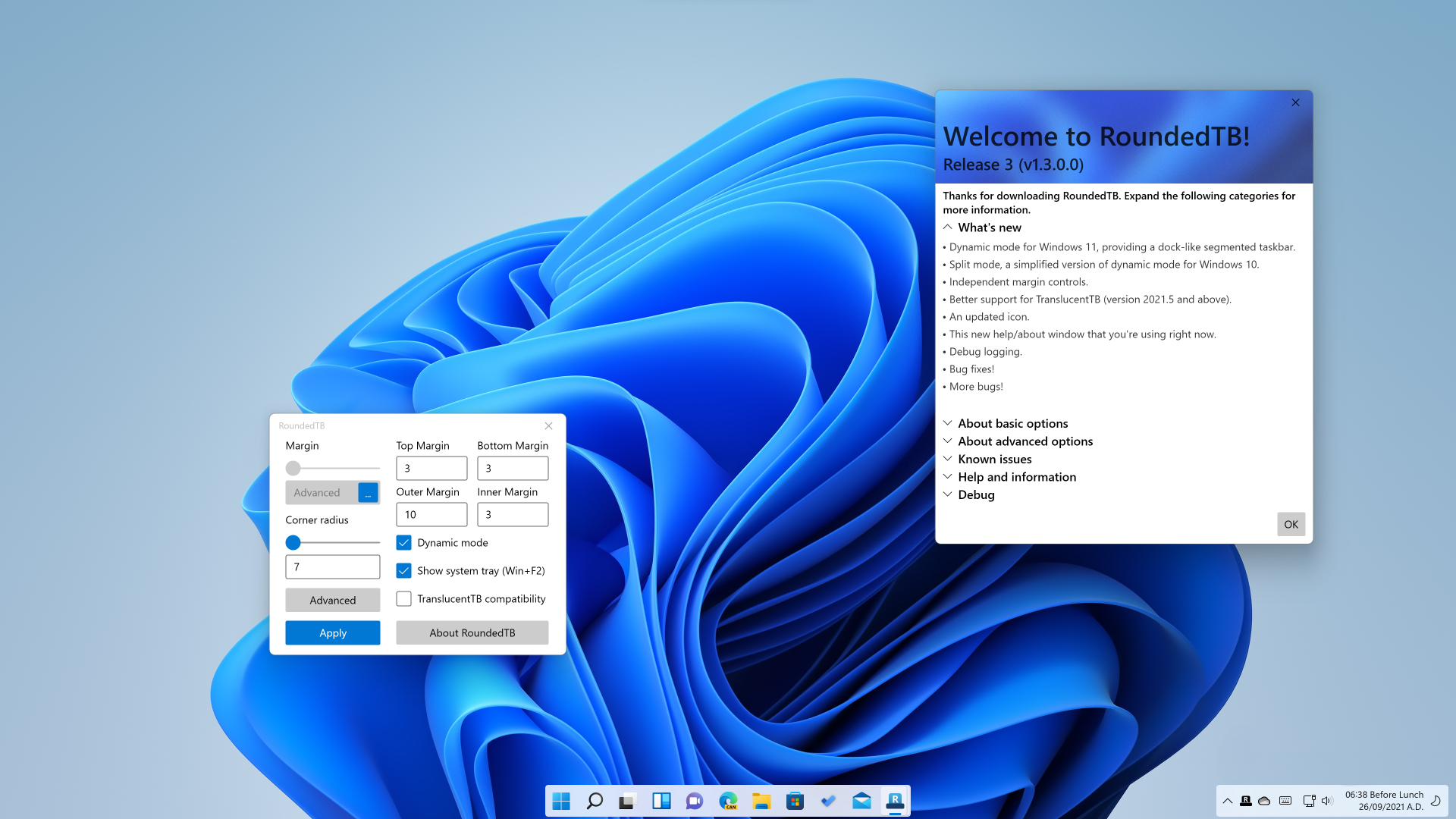
- RoundedTB: Add margins, rounded corners, and segments to your taskbars.
- TranslucentTB: Makes the Windows taskbar translucent/transparent on Windows 10 and 11.
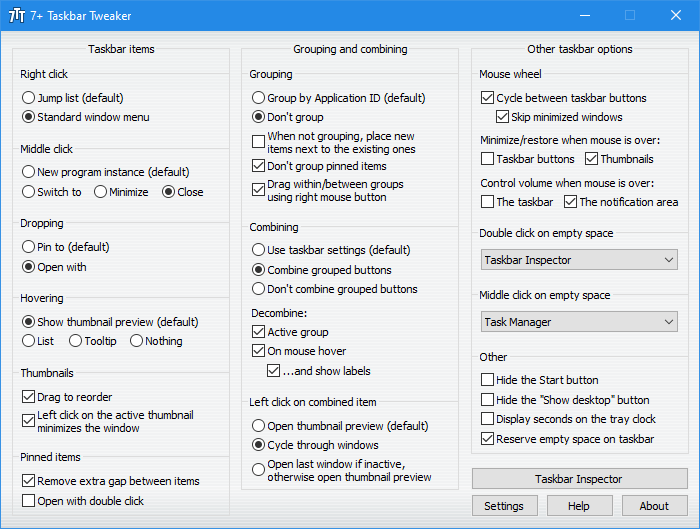
- 7+ Taskbar Tweaker: Windows taskbar customization tool for Windows 7, 8, and 10.
- Taskbar Groups: Create groups of shortcuts in the taskbar.
- ModernFlyouts: Fluent Design-based replacement for old Metro-themed flyouts in Windows 10/11.
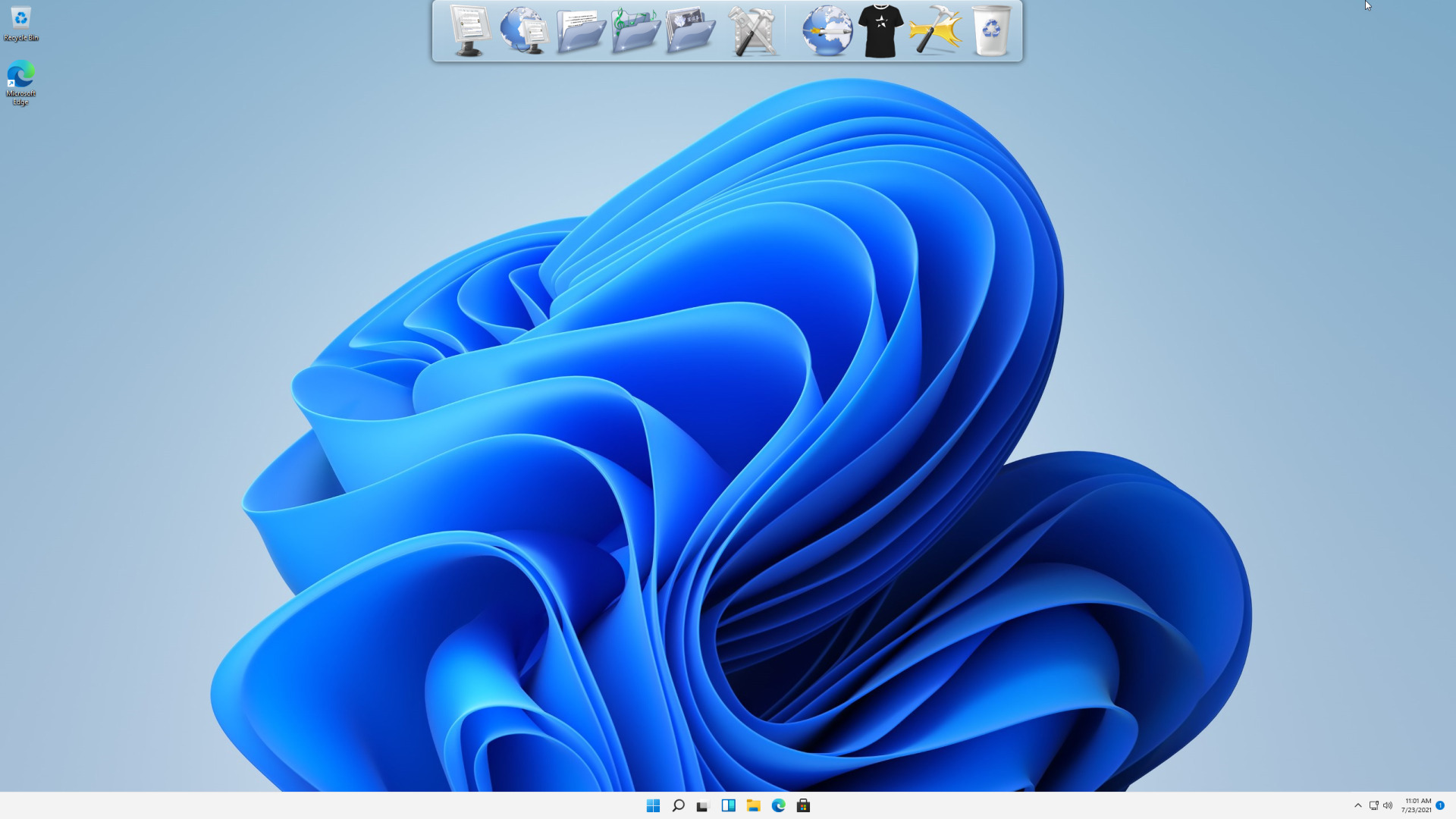
- RocketDock: Offers a dock similar to the one found in Mac OS X Aqua.
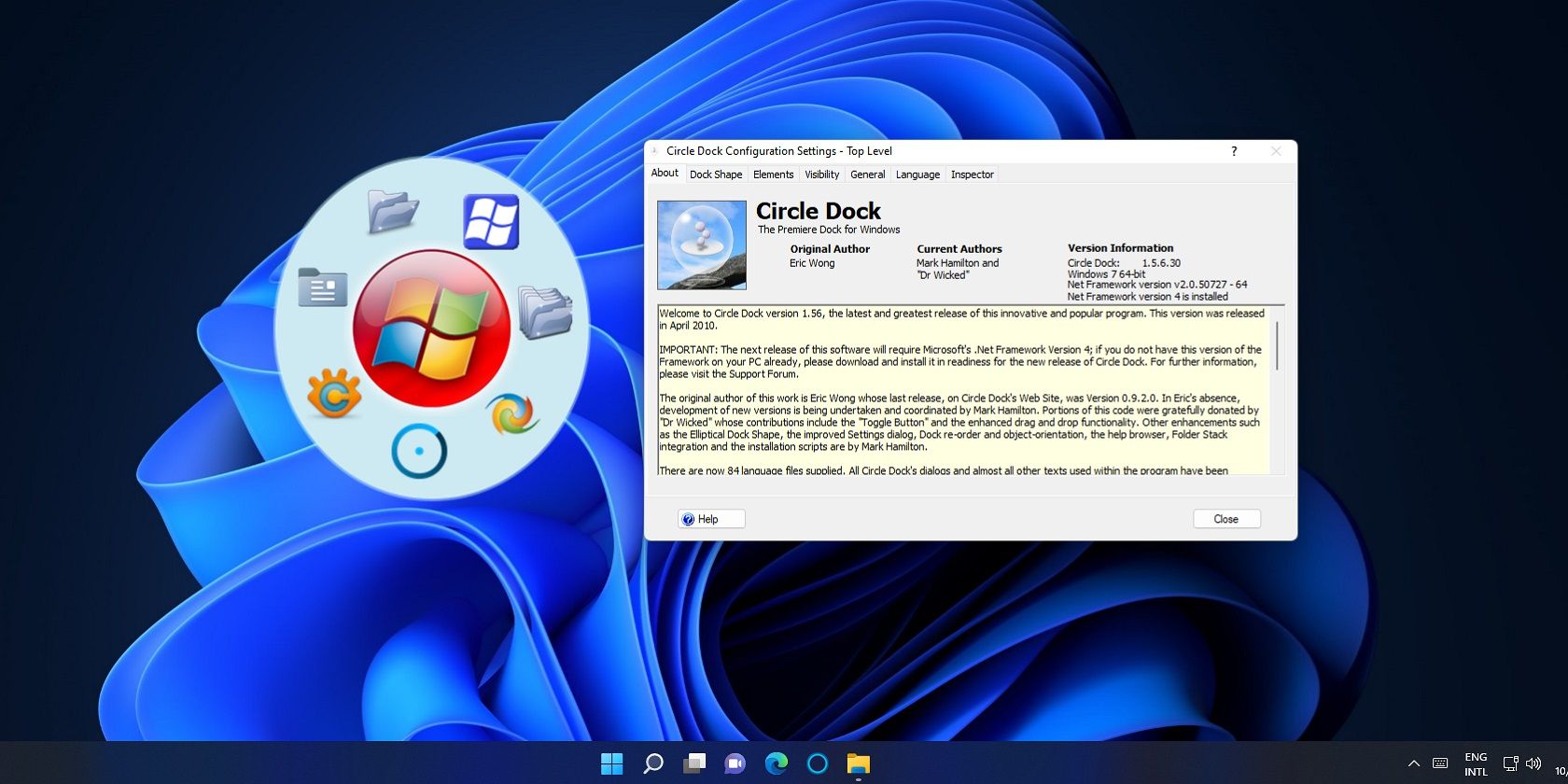
- CircleDock: Create a circular dock for quick access to frequently used programs.
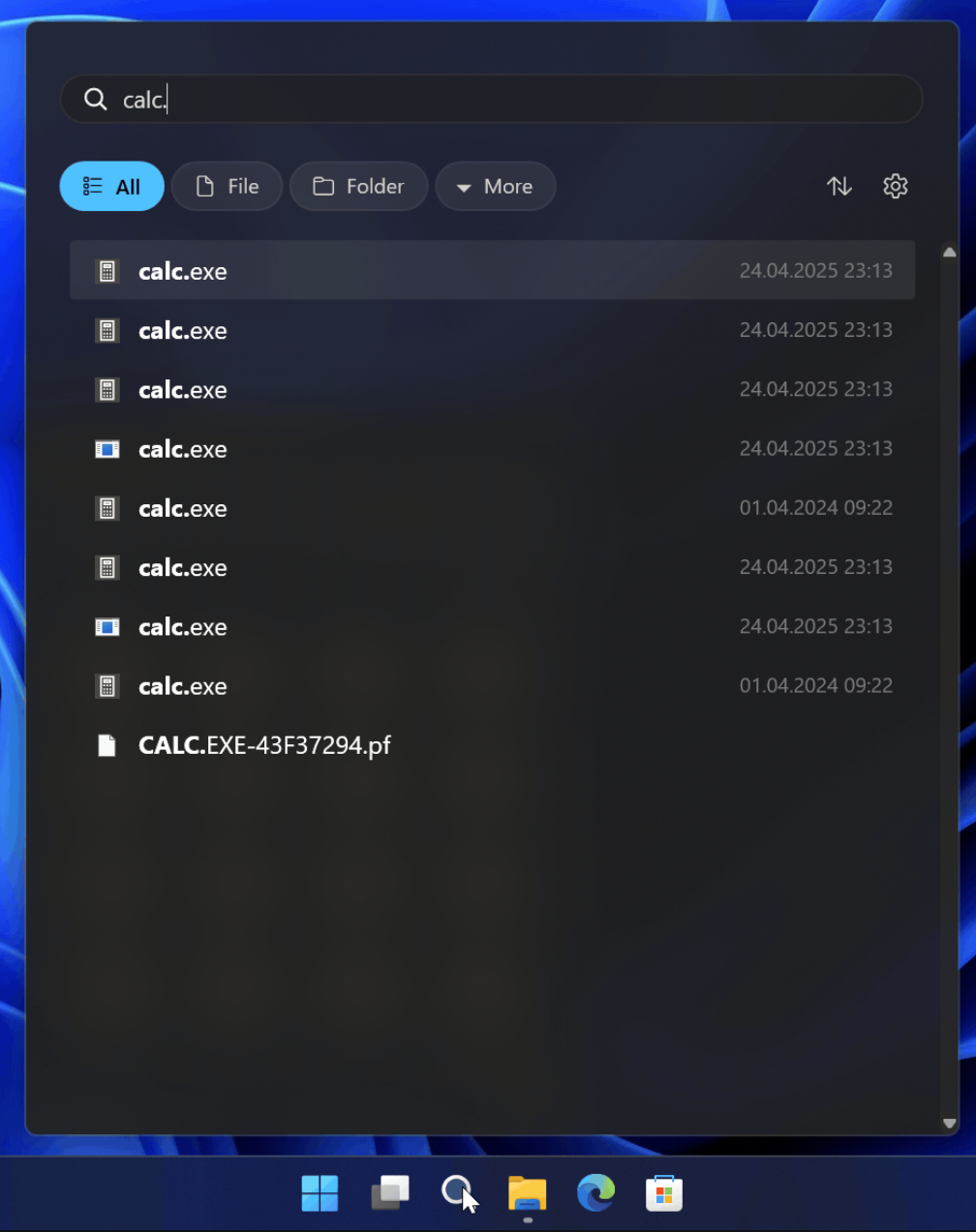
- Everything Toolbar: Instant file search integration for the Windows taskbar powered by Everything.
File Explorer Enhancements
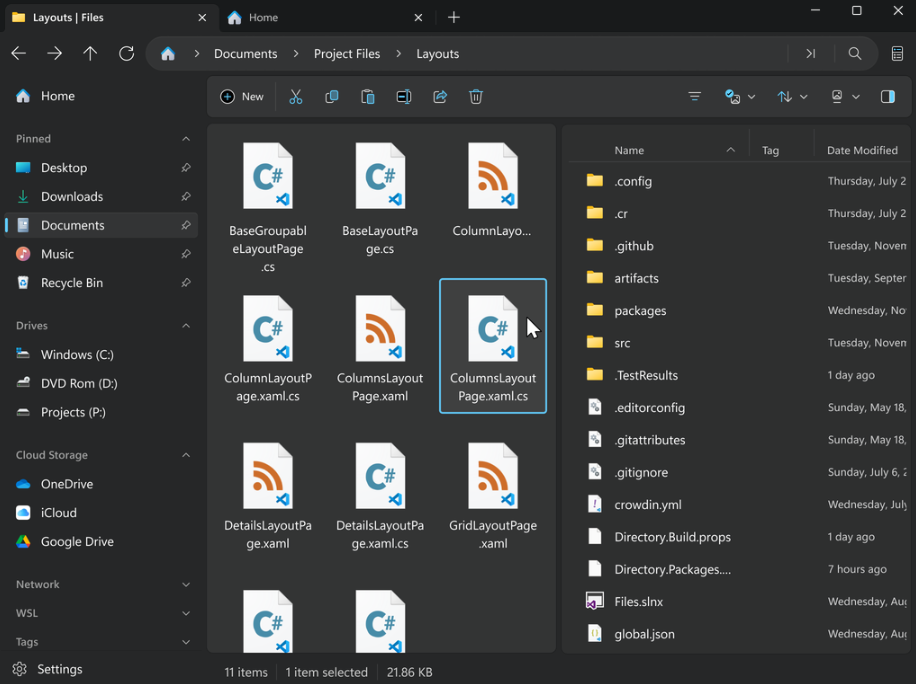
- Files: A sleek custom file explorer built for Windows.
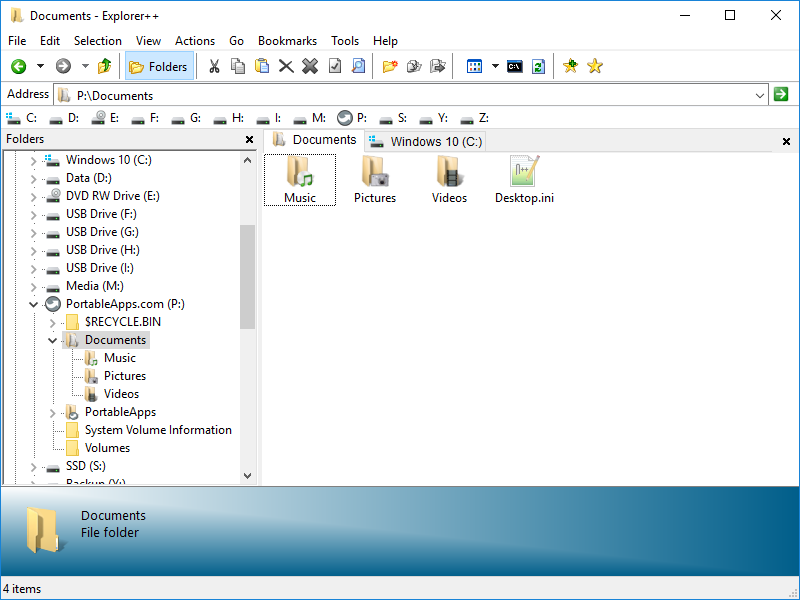
- Explorer++: Multi-tab file manager with the same familiar interface as Windows Explorer.
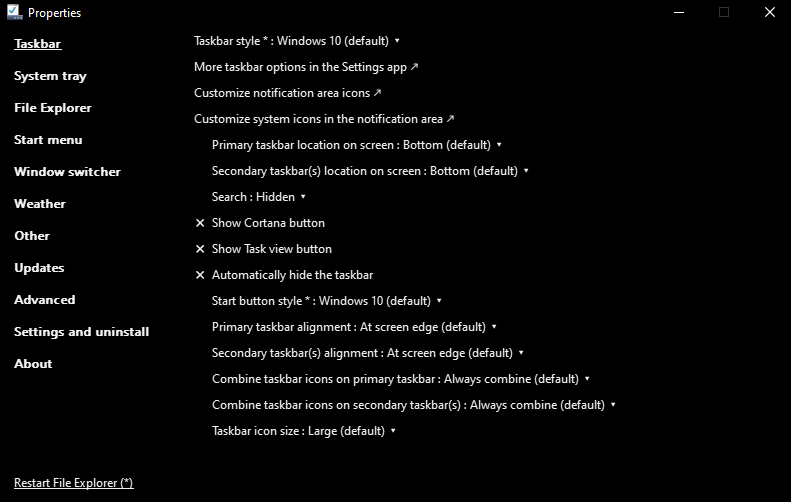
- ExplorerPatcher: Restore the classic Windows 10 taskbar and File Explorer behavior.
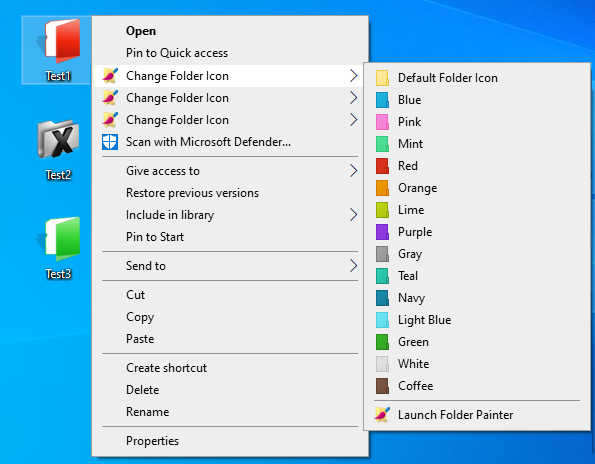
- FolderPainter: Change the color of any folder to any color you like.
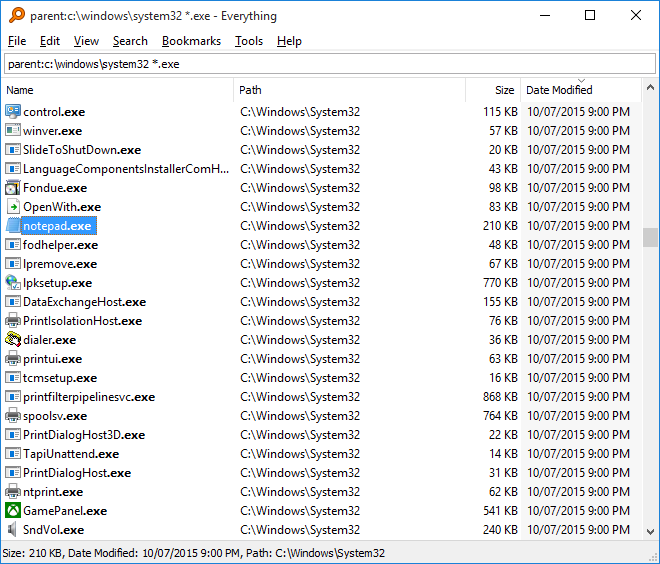
- Everything: Locate files and folders by name instantly.
- Flow Launcher: Search everything from applications, files, bookmarks, YouTube, Twitter, and more.
- Windows 11 Classic Context Menu: Restores the full classic Windows 10-style context menu.
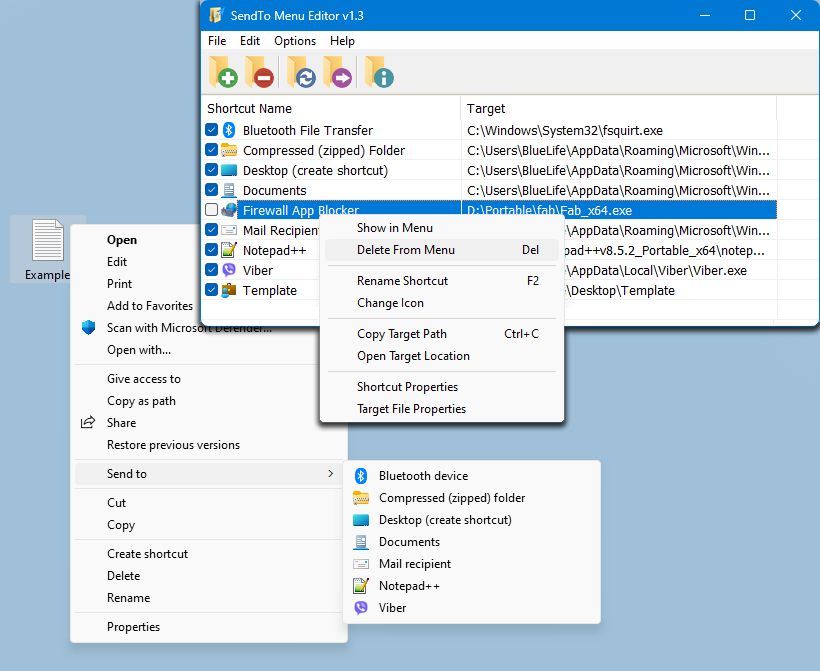
- SendTo Menu Editor: Tweak the Send To context menu to suit your needs.
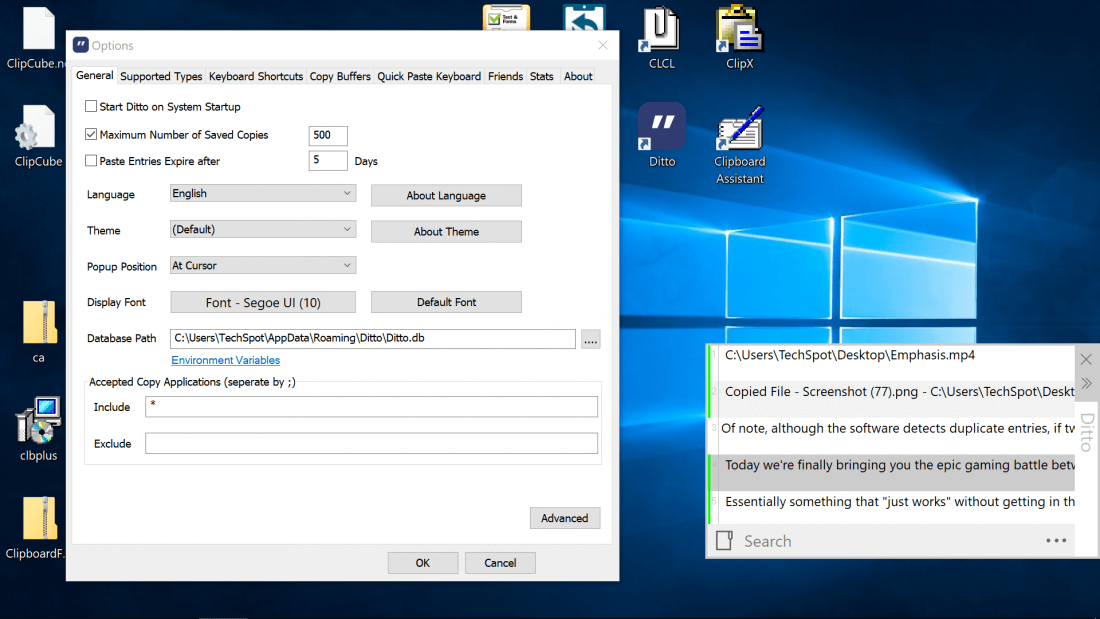
- Ditto: Clipboard manager that saves each item placed on the clipboard for later access.
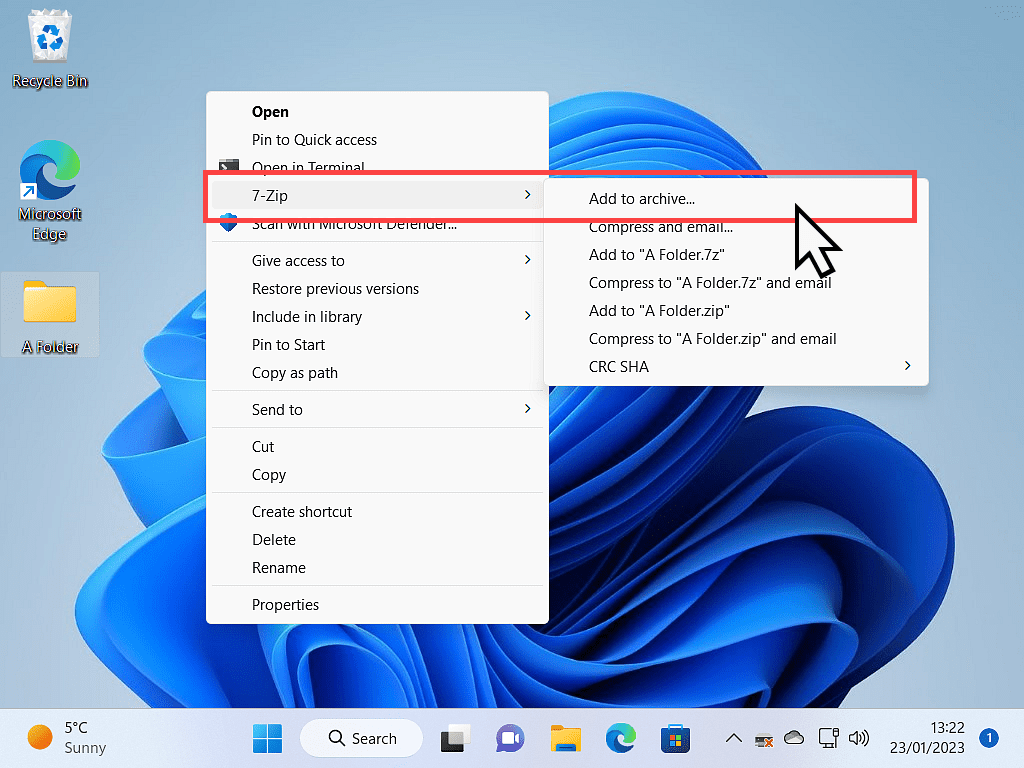
- 7-Zip: Universal file archiver.
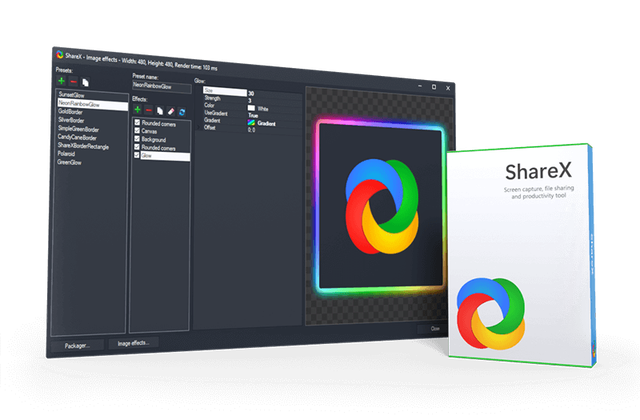
- ShareX: Scrolling screenshots, OCR, video recording, powerful built-in editor, and auto-upload to dozens of hosts.
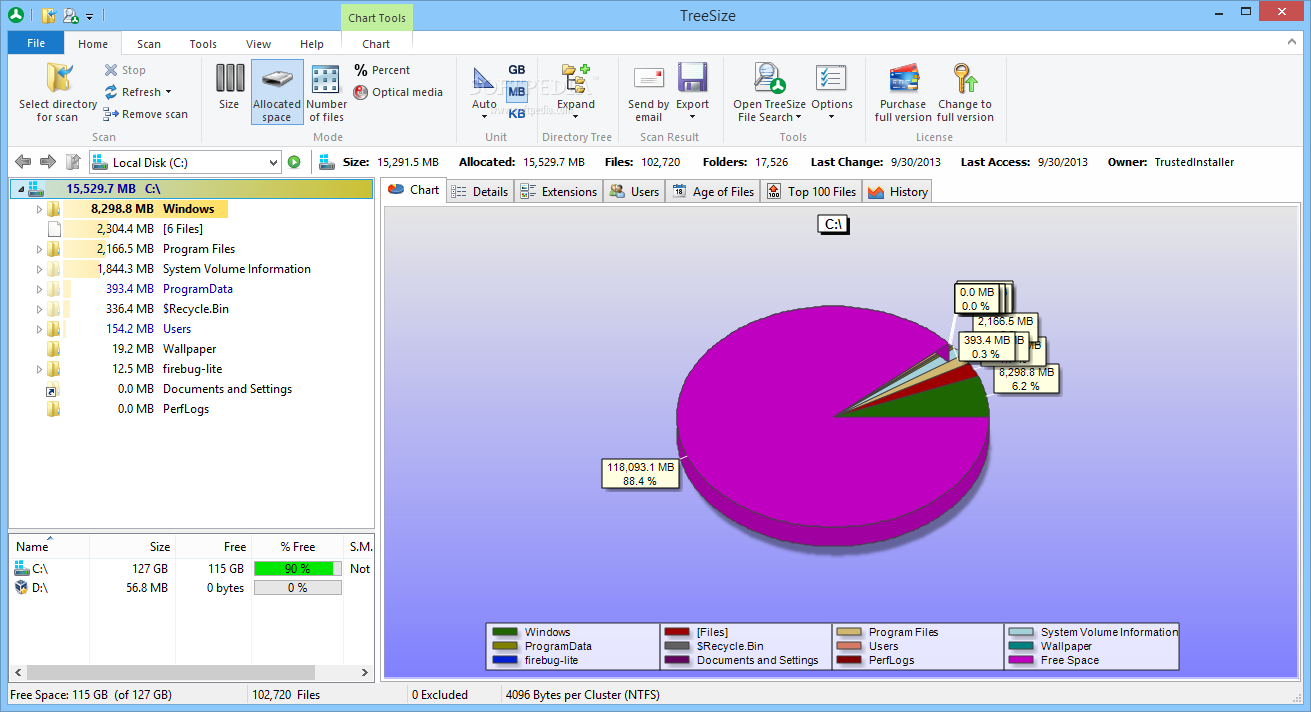
- TreeSize: Lightweight solution for managing disk space.
Audio Tweaks
- EarTrumpet: Volume control app for Windows.
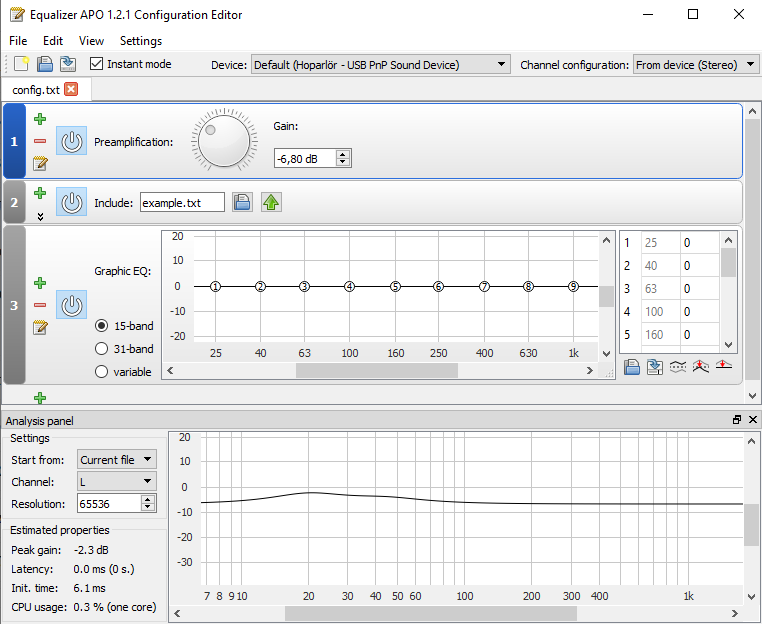
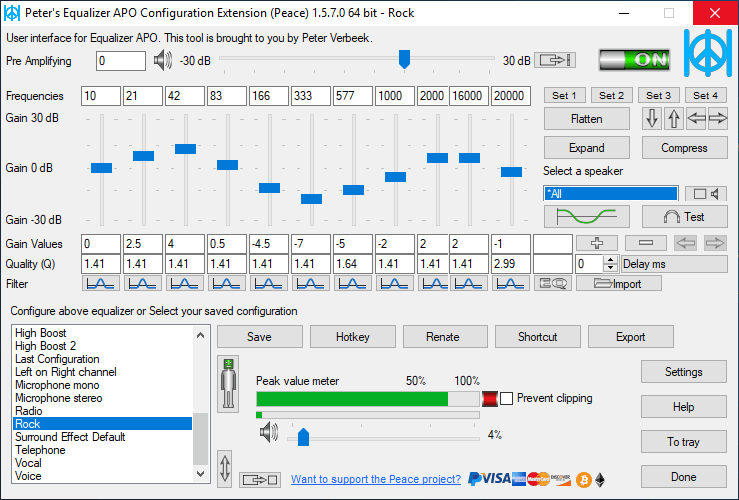
- Equalizer APO: System-wide parametric equalizer.
- Peace Equalizer: GUI for Equalizer APO.
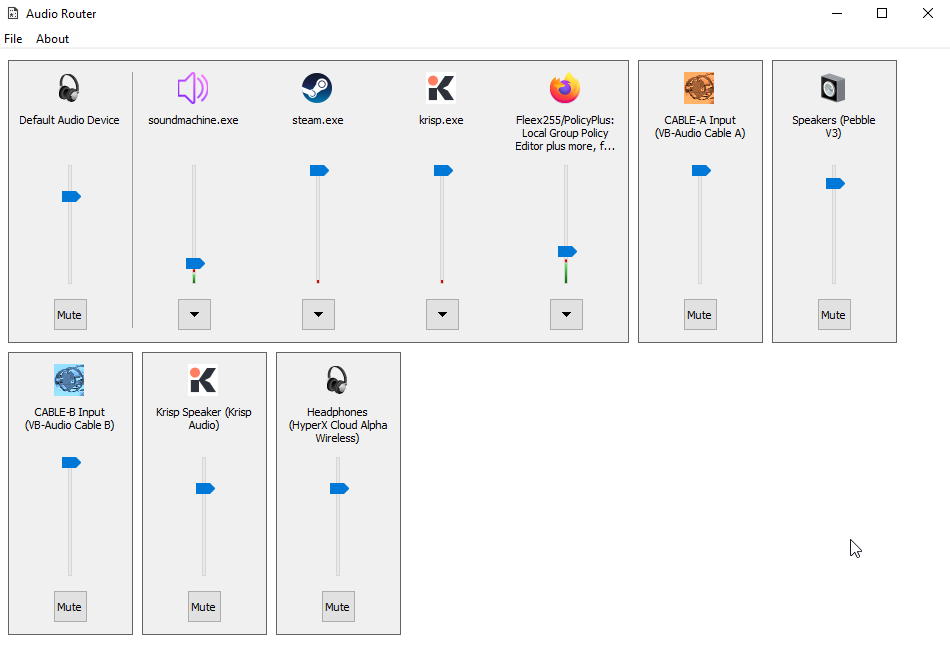
- AudioRouter: Routes audio from programs to different audio devices.
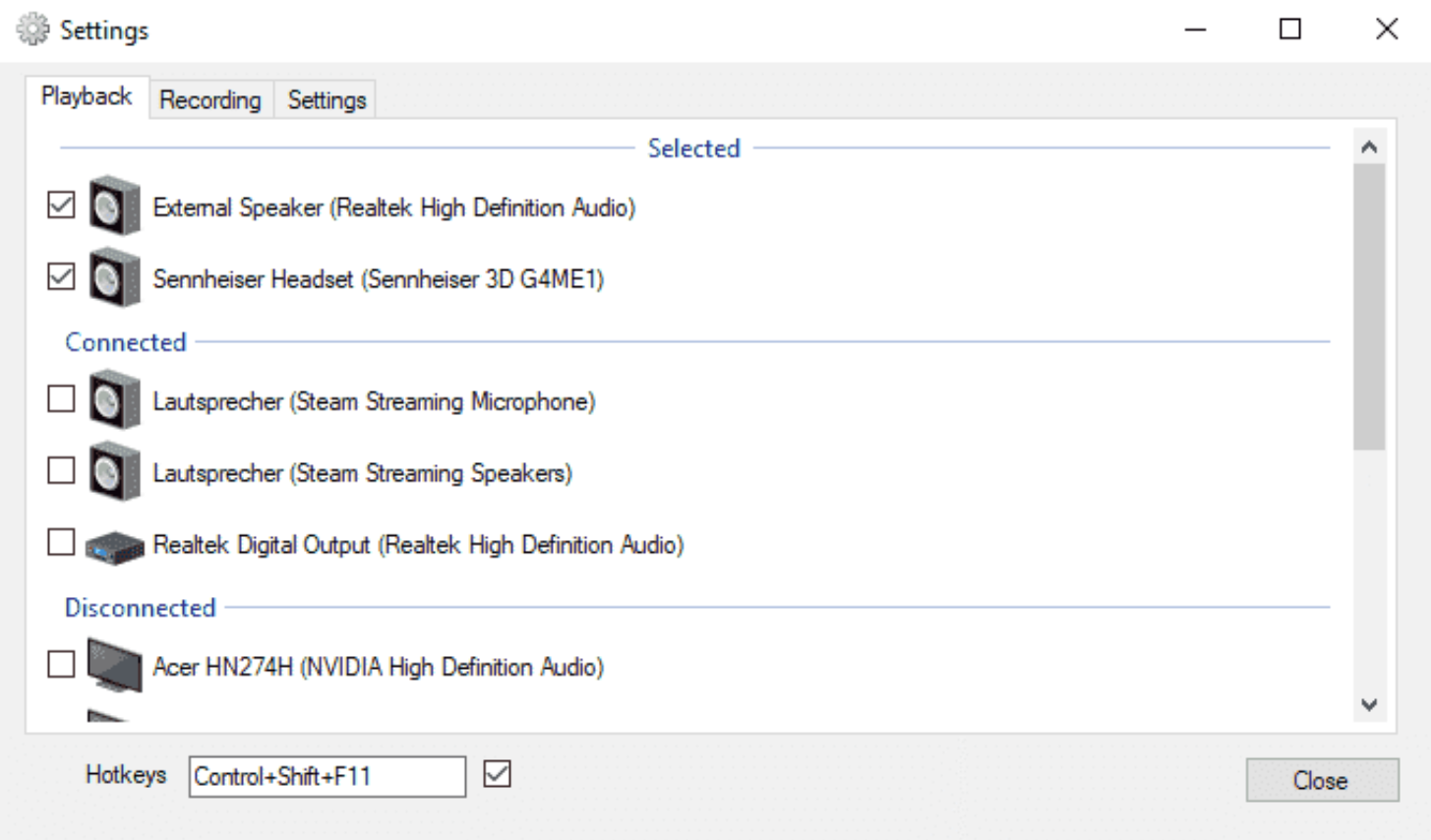
- SoundSwitch: Switch playback and recording devices using simple hotkeys.
Cursor & Icon Customization
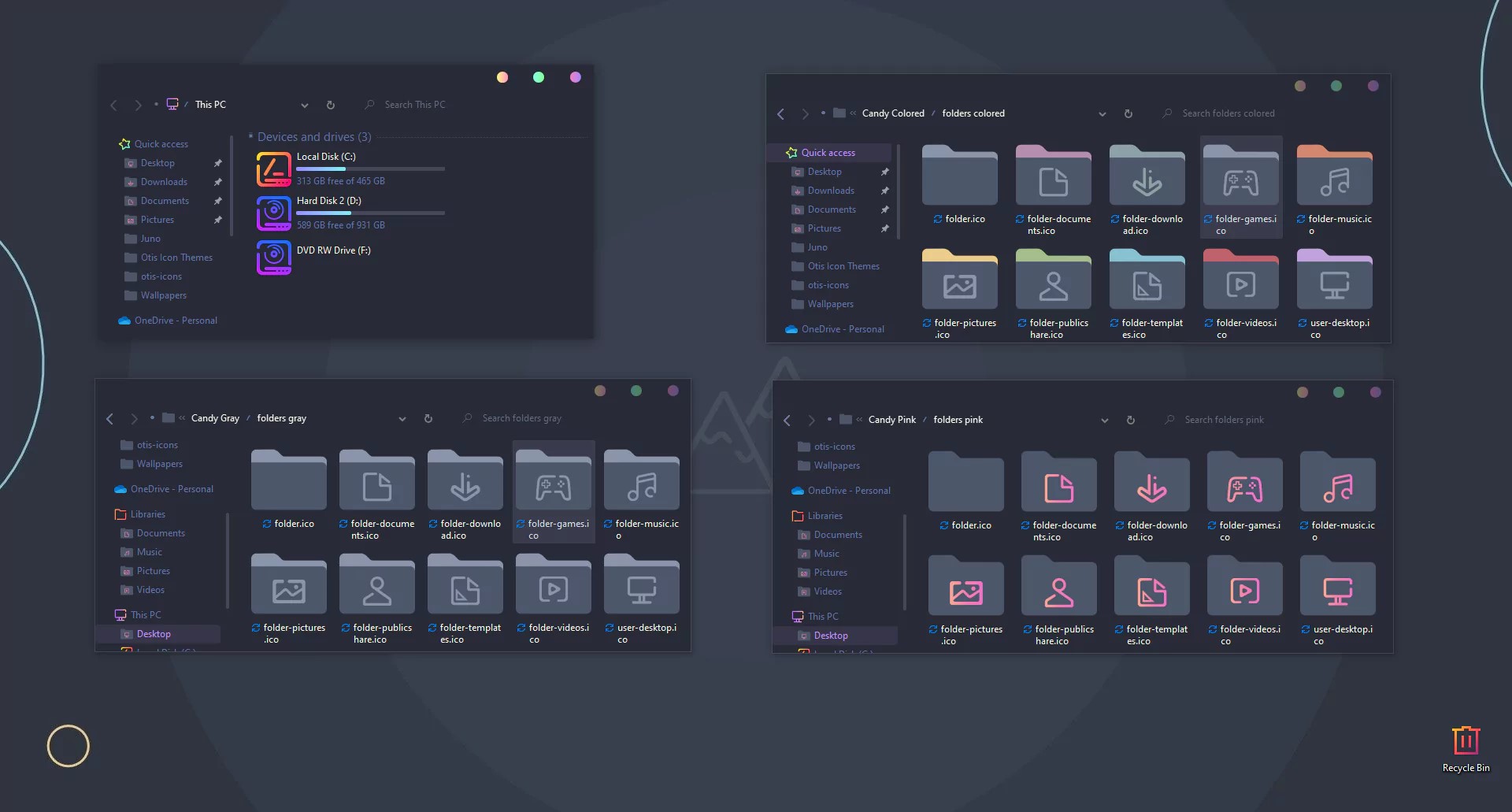
- 7TSP GUI: Apply custom icon packs to your Windows operating system.
- Custom Cursor: Customize your Windows experience with thousands of free cursors.
- DesktopOK: Save and restore the positions of Windows Desktop Icons.
SysInternals Suite
- Full Microsoft SysInternals Suite – a collection of advanced system utilities for troubleshooting, diagnostics, and deep system analysis, including:
- Autoruns: Comprehensive view of every program configured to run at startup, logon, or when drivers load
- BgInfo: Automatically display system information on the desktop wallpaper
- Handle: Discover which processes have open handles to a specific file or directory
- ProcDump: Capture process memory dumps for debugging and crash analysis
- Process Explorer: Task manager replacement with detailed process trees, DLL/handle inspection, and performance tracking
- Process Monitor: Real-time monitoring of file system, registry, and process/thread activity with advanced filtering
- PsExec: Run processes remotely on other systems without manual installation
- RAMMap: Detailed analysis of physical memory usage and allocation
- SDelete: Securely delete files and clean free space using government-standard overwrite methods
- TCPView: Monitor all TCP/UDP endpoint activity with process details
- VMMap: Visualize virtual and physical memory allocation patterns of processes
WHY BUY FROM US?
- Instant Access, No Waiting: Get the download link immediately after payment. No shipping delays or lost mail.
- Professionally Prepared: Every pack is a clean, curated collection thoroughly tested for stability on Windows 11, 10, 8, and 7.
- Dedicated Support: Contact us with any questions during download or setup.
DIGITAL DELIVERY PROCESS
- Buy It Now: Complete checkout securely.
- Instant Access: Receive your download link immediately after payment confirmation.
- Download & Extract: Download the compact archive and extract it to any location on your computer.
- Run: The software is ready to use immediately.
SATISFACTION GUARANTEE
If you encounter any issues with your download or the software does not work as expected, contact us and we will help resolve it.
IMPORTANT NOTES
- Entirely Legal: Each software pack sold on DevPurple.com is a lawful compilation of redistributable software. The licenses under which these programs are published grant the right to copy and distribute them. Buyers receive the same rights granted by each program’s original license. These listings comply with all applicable laws regarding software distribution.
- Need Help?: Contact us with any questions.
18 reviews for Ultimate Windows Toolkit (450+ PC Optimization, Privacy, & Customization Utilities)
| 5 star | 61% | |
| 4 star | 33% | |
| 3 star | 5% | |
| 2 star | 0% | |
| 1 star | 0% |
1-10 of 18 reviews
Add a review
 Ultimate Windows Toolkit (450+ PC Optimization, Privacy, & Customization Utilities)
Your review
* Review is required
Name
* Name is required
Email
* Email is required
Highly stable and reliable.
Flawless execution and ease of use.
Saves me countless hours.
No bloat, just useful tools.
Privacy protection is top tier.
Instant download and setup.
Best purchase for any Windows user.
A must have software bundle.
Transformed my PC performance.
Comprehensive and powerful.