
Volume Mixer (Per-Application Audio Routing & Duplication)
$12.95
Take complete control of your Windows audio with Volume Mixer, the ultimate audio management suite. Route individual applications to any audio device, duplicate audio to multiple outputs at once, generate ambient background sounds, and mirror your screen, plus per-application volume and device controls, all from one powerful application.
- Digital Download
- Lifetime Warranty
- Secure Payments
- 30-Day Money-Back Guarantee
Take complete control of your Windows audio with Volume Mixer, the ultimate audio management suite. Route individual applications to any audio device, duplicate audio to multiple outputs at once, generate ambient background sounds, and mirror your screen, plus per-application volume and device controls, all from one powerful application.
Key Features
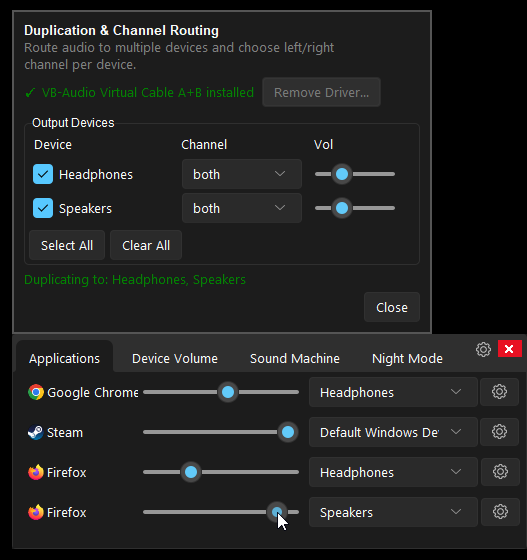
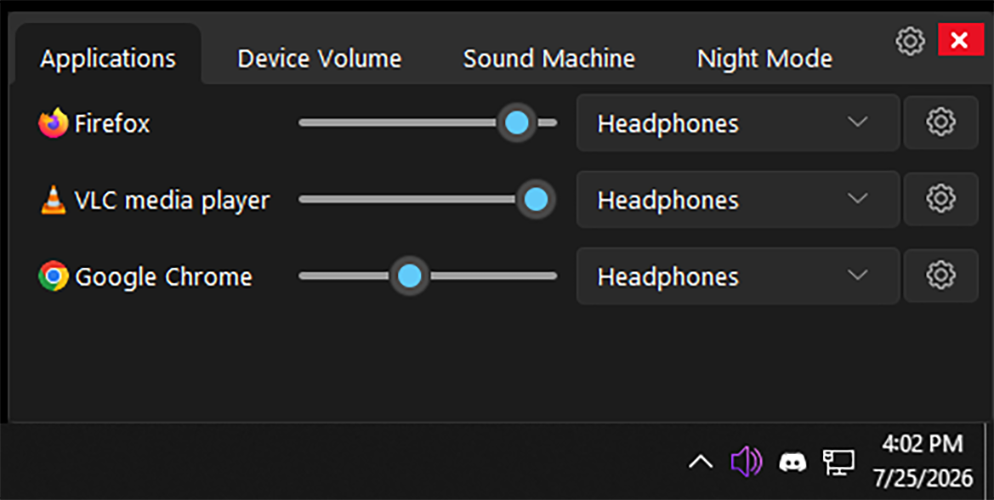
- Per-Application Device Routing: Route individual applications to any audio output device (speakers, headphones, VR headset, etc.) without restarting the application.
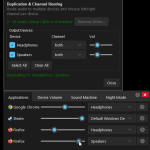
- Audio Duplication: Route an application’s audio to multiple output devices simultaneously. Supports channel mode selection (both, left-only, right-only) and per-device volume control for each duplicated stream.
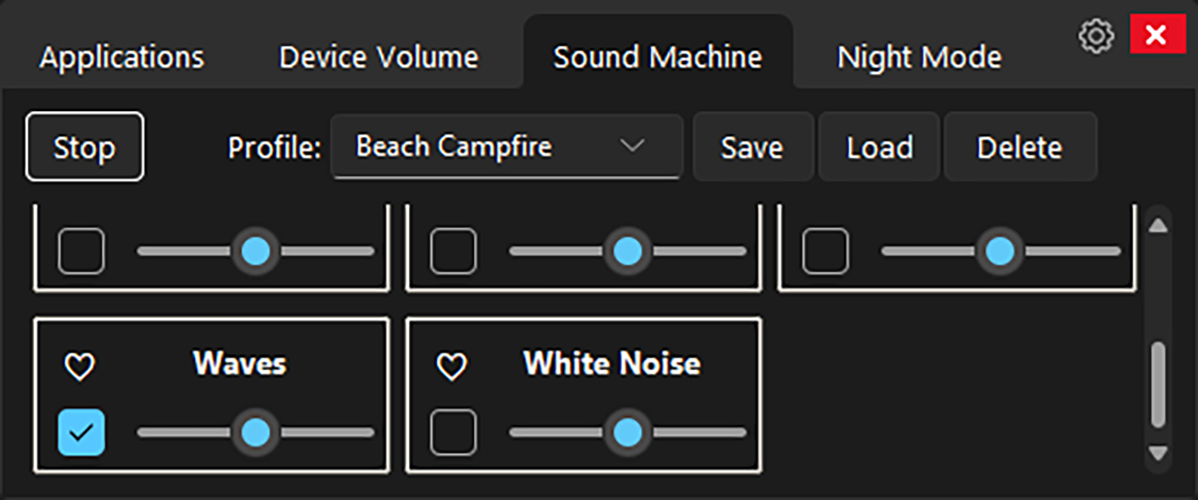
- Sound Machine: Built-in ambient noise generator with seamless looping. Play multiple layered sounds (rain, white noise, nature sounds, lo-fi, etc.) simultaneously, each with independent volume control and seamless crossfade looping.
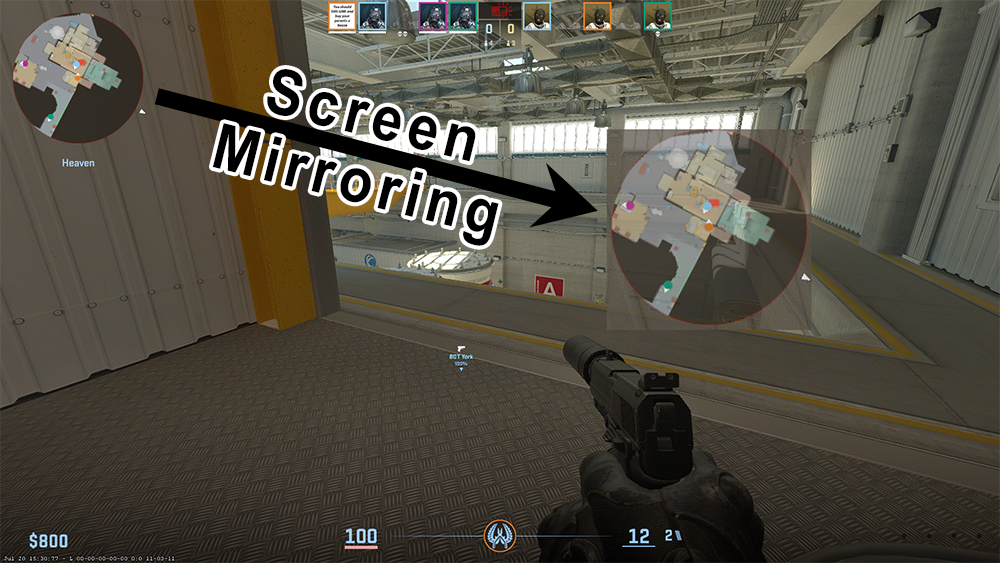
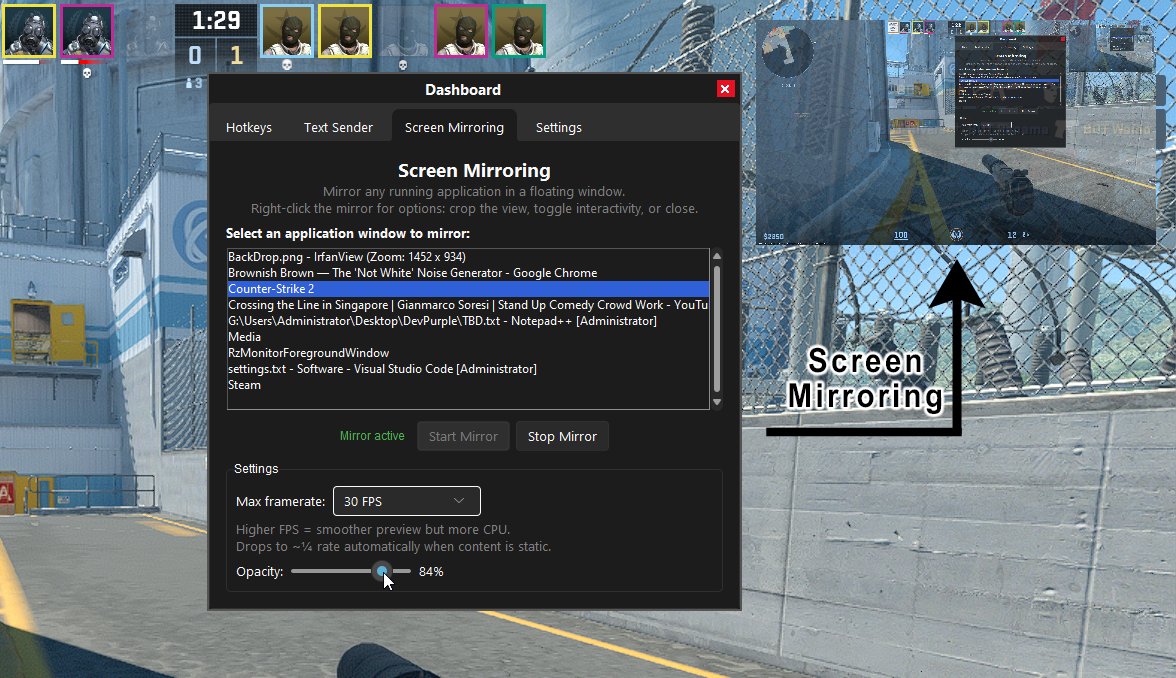
- Screen Mirroring: Mirror your screen with configurable framerate and opacity.
- Per-Application Volume Control: Independently adjust the volume of every audio-playing application on your system with fine-grained sliders.
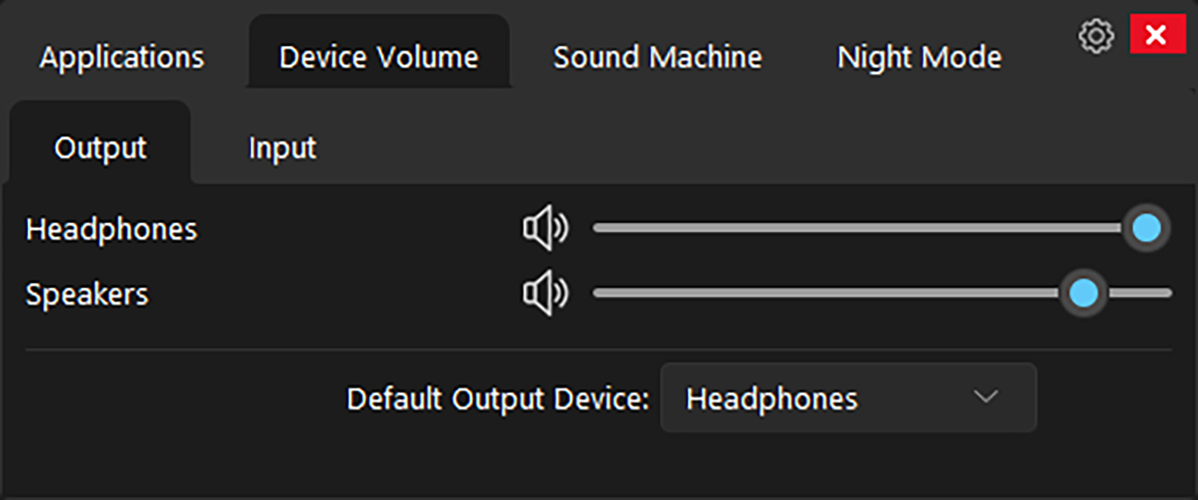
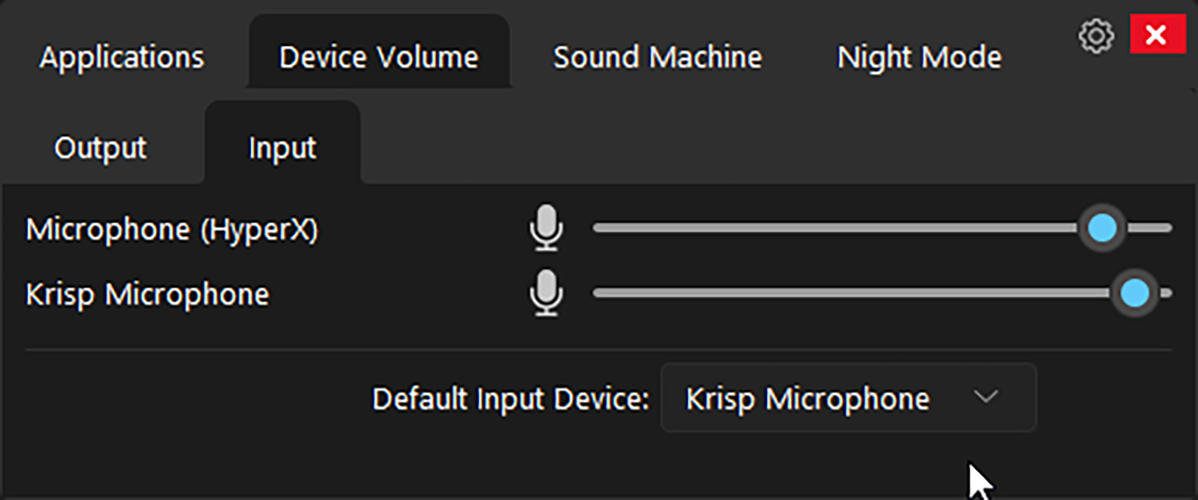
- Device Volume Control: Adjust system-level volume for every audio endpoint independently, including the ability to set the default playback device.
- Mute Controls: Instantly mute/unmute individual applications or entire audio devices with a single click.
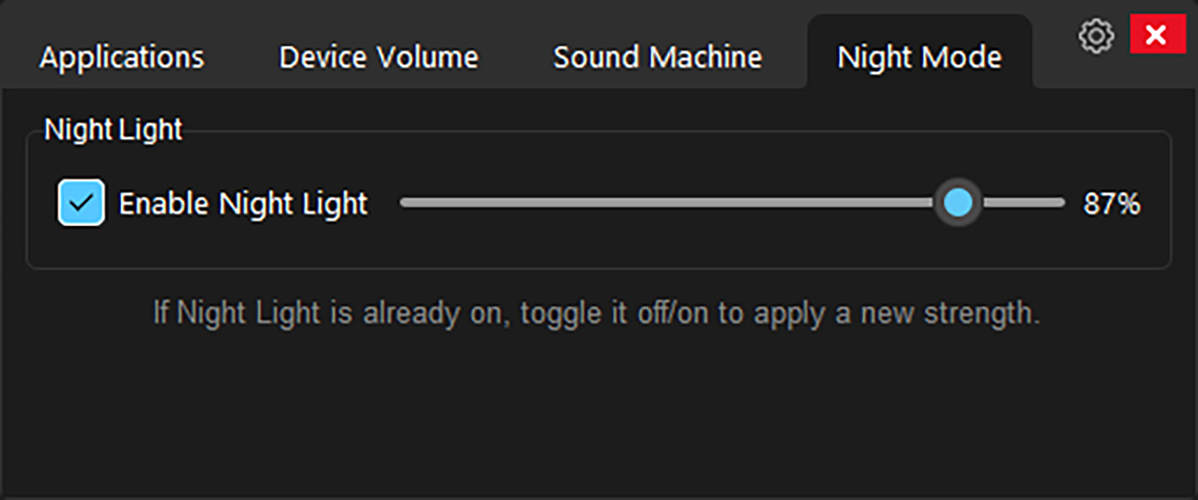
- Night Mode: Integrated blue-light reduction via Windows Night Light controls.
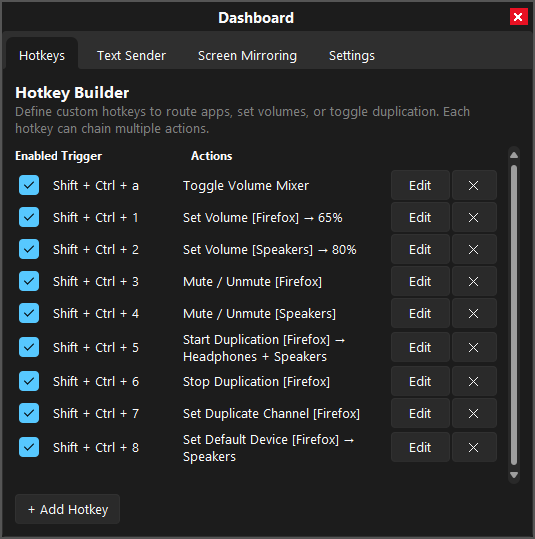
- Hotkey Builder: Create custom keyboard shortcuts for common actions.
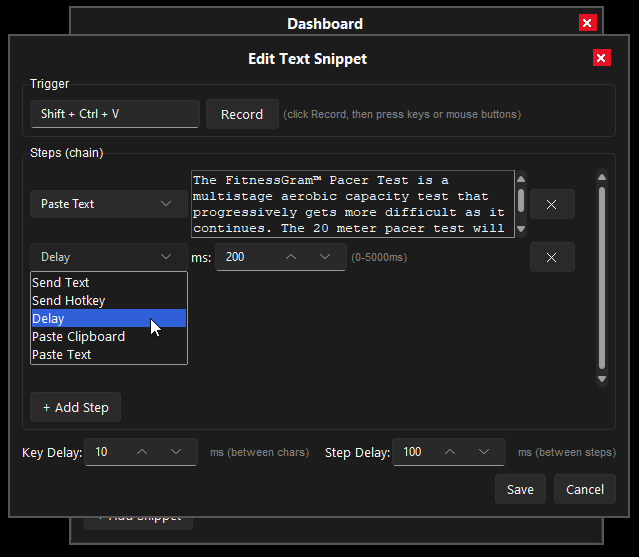
- Text Sender: Send text to active windows programmatically.
- Audio Device Renaming: Rename audio devices for easier identification.
- Dashboard: Centralized control panel with Hotkey Builder, Text Sender, Local Streams, Screen Mirroring, and Settings.
- System Tray Integration: Minimize to tray with quick access to restore or quit.
- Pinned Window Positioning: Stays pinned to the bottom-right of your screen.
- Dark Themed GUI: Modern, tabbed dark interface with customizable theme.
Why Buy From Us?
- Instant Access, No Waiting: Get the download link immediately after payment. No shipping delays or lost mail.
- Professionally Prepared: Thoroughly tested for stability on Windows 11, 10, 8, and 7 (Night Mode requires Windows 10 or later).
- Fully Portable: Runs directly from the folder. No installation or registry changes needed.
- Dedicated Support: Contact us with any questions during download or setup.
Digital Delivery Process
- Complete Checkout: Purchase securely.
- Instant Access: Receive your download link, license key, and activation URL immediately after payment confirmation.
- Download and Extract: Download the archive and extract it to any location on your computer.
- Activate: Use the included license key to activate the software. The link to manage your activated machines is included with your purchase.
- Run: Launch Volume Mixer and take control of your audio.
Satisfaction Guarantee
If you encounter any issues with your download or the software does not work as expected, contact us and we will help resolve it.
Important Notes
- License Key Included: Your purchase includes a unique license key delivered via email. Use it to activate the software.
- Machine Management: You can manage which machines your license is associated with using the link provided in your email.
- Entirely Portable: No installation required. Runs directly from the extracted folder.
- Need Help?: Contact us with any questions.
 Volume Mixer (Per-Application Audio Routing & Duplication)
Related products
-
View Bot (Multi-Session Browser Automation)
$8.95View Product This product has multiple variants. The options may be chosen on the product page -
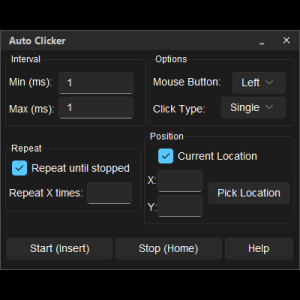

Auto Clicker (Mouse Click Automation Utility)
$9.95View Product This product has multiple variants. The options may be chosen on the product page -
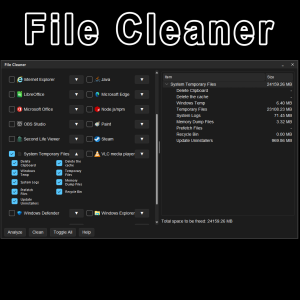
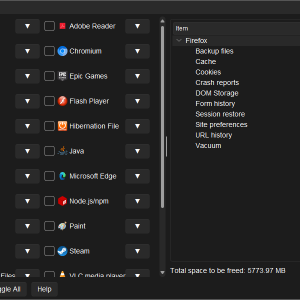
File Cleaner (System Cleaning Utility)
$8.95View Product This product has multiple variants. The options may be chosen on the product page -
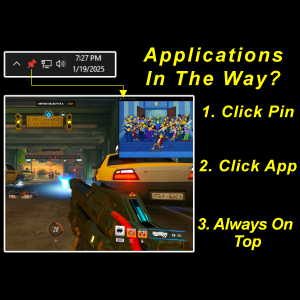
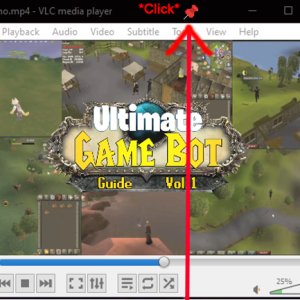
App Pins (Window Always-on-Top Pinning Utility)
$4.95View Product This product has multiple variants. The options may be chosen on the product page
Reviews
There are no reviews yet